Signia Styletto AX Feedback Management: Reducing Whistling
Whistling, or acoustic feedback, is a common frustration with hearing aids, and the Signia Styletto AX is no exception—though its slim, receiver-in-canal design can make it prone to this issue if fit or settings aren’t optimized. Fortunately, modern feedback management in the Styletto AX combines advanced digital processing with adaptive algorithms to suppress squeals before they start. This guide walks through the specific causes, fixes, and system-level tools for eliminating unwanted noise from your Styletto AX.
What Causes Whistling in the Signia Styletto AX?
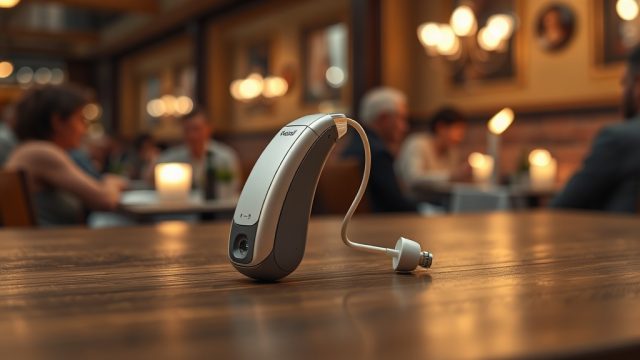
Whistling occurs when sound from the hearing aid’s speaker re-enters the microphone, creating a loop that amplifies into a high-pitched squeal. On the Styletto AX, three primary triggers are common: a poor physical seal in the ear canal (often due to wrong dome size), excessive moisture or debris blocking the receiver, or a mismatch in how the hearing aid’s feedback cancellation algorithm interacts with your ear’s unique acoustics. The Styletto AX uses Signia’s Own Voice Processing (OVP) alongside the Feedback Blocker system, but if the dome doesn’t create a snug fit, the digital filters can only do so much. Check your receiver tube—it should sit flush without kinks that let sound escape.
How Does the Feedback Blocker Algorithm Work in the Styletto AX?
The Feedback Blocker in the Styletto AX is an adaptive digital filter that learns to cancel out recurring feedback tones in real time. When you insert the aids, the system runs a quick acoustic calibration (often during the power-on chime) to map the exact frequencies where whistling could occur. It then applies a notch filter—a targeted reduction in gain at that specific frequency—without affecting overall sound quality for speech or music. Unlike older systems that simply mute the hearing aid when feedback is detected, the Styletto AX’s algorithm operates transparently, adjusting as you move your head, chew, or change volume. For persistent whistling, the next step is to run a manual feedback test via the Signia App, which re-scans the ear canal and updates the filter profile.
What Should You Check First for Whistling: Physical Fit or Settings?
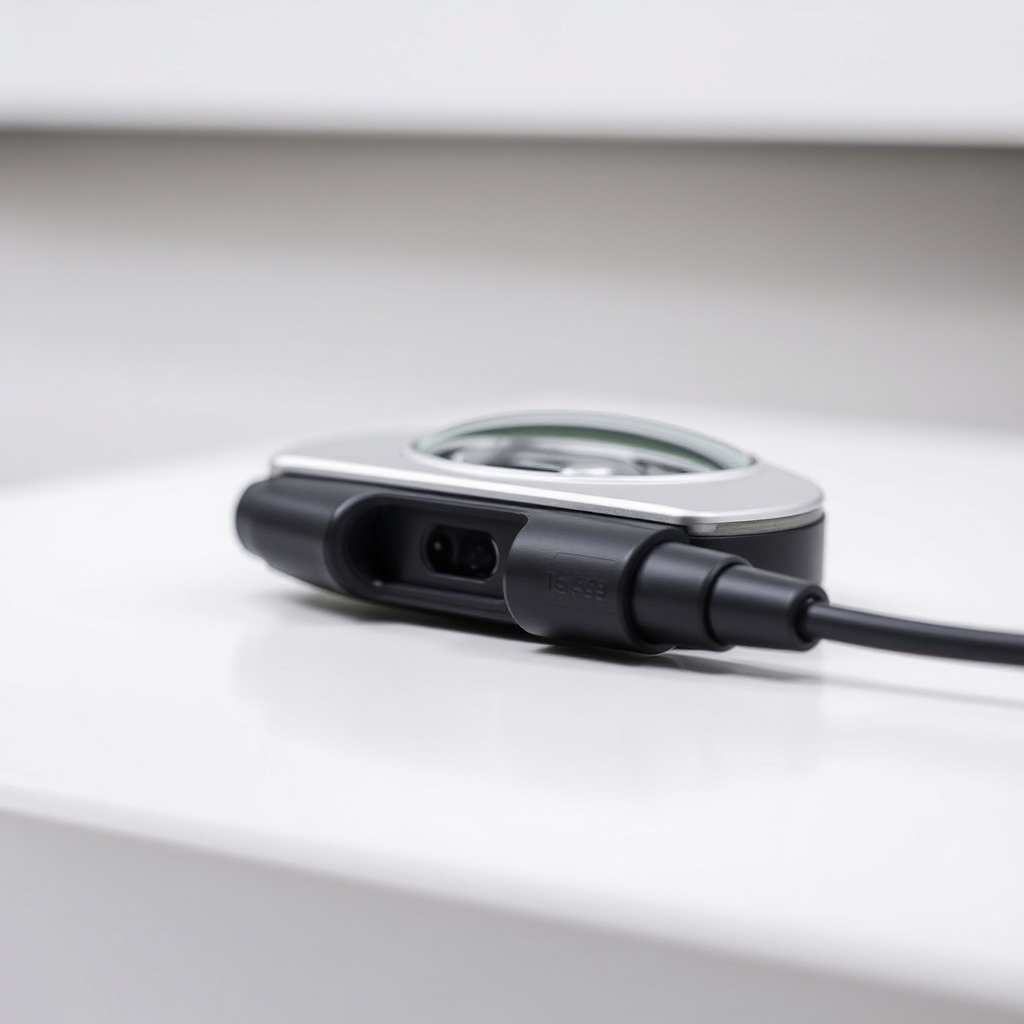
Start with physical fit before diving into software settings. The Styletto AX comes with multiple dome sizes (open, closed, power, and tulip). An open dome reduces occlusion but can let more sound leak out—try stepping up to a closed or power dome if you hear whistling during phone calls or when cupping your ear. Also inspect the receiver tube for cracks or moisture (a common issue for active users). After confirming the fit, open the Signia App on your phone: tap “Feedback Management” or “Acoustic Calibration” to run a quick in-situ re-measurement. If whistling persists, toggle the “Feedback Blocker” from “Normal” to “Strong” (this will reduce gain slightly in high frequencies).
Can the Styletto AX’s Own Voice Processing Cause Whistling?
Surprisingly, yes. The Styletto AX’s Own Voice Processing (OVP) is designed to make your voice sound natural by reducing the “muffled” effect of amplification, but it does so by adjusting gain and phase in real time. In some ears, particularly those with very narrow ear canals or high-frequency hearing loss, OVP’s phase shifts can momentarily create the conditions for feedback. The fix: use the Signia Expert app (or your audiologist’s software) to check if OVP’s “Own Voice” level is set too high. Reducing it from 100% to around 70% often eliminates whistling during conversation while preserving naturalness. This is a common adjustment in the clinic—don’t try this yourself unless you have access to the professional fitting software.
What Feedback Management Features Should You Adjust in the Signia App?
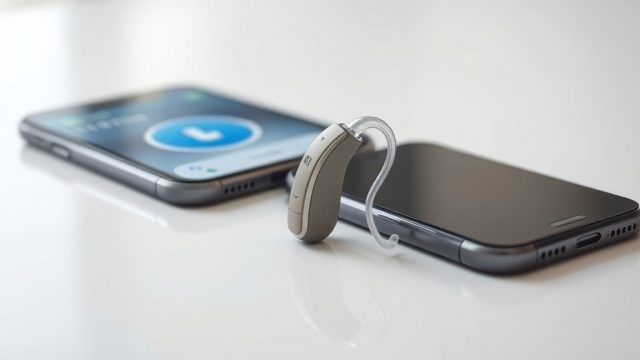
The Signia App for the Styletto AX offers three key sliders under “Sound Adjustments.” First, “Feedback Blocker” has three modes: Normal (default, balances comfort and clarity), Strong (aggressively cuts feedback-prone frequencies), and Off (only use for troubleshooting). Second, “Noise Reduction” can indirectly help—setting it to “Maximum” reduces overall high-frequency gain, which often lowers whistle risk in noisy environments. Third, the “Acoustic Calibration” button (found under “Device Settings”) initiates a 10-second re-measurement of your ear’s resonance. Anecdotally, users report better results after running this calibration with the hearing aids firmly seated and at normal listening volume. If you’re still hearing feedback after these adjustments, revisit the Signia Styletto AX Durability Test: Rain and Dust Resistance article for tips on keeping moisture out of the receiver—wet domes amplify feedback.
| Feedback Severity Level | Action Needed |
|---|---|
| Occasional whistle during loud sounds or when cupping the ear (Usually not urgent) |
Try an open-to-closed dome swap, then run the Acoustic Calibration in the Signia App. Check for earwax buildup on the dome. |
| Persistent whistle during quiet conversation or at normal volume (Needs attention soon) |
Consult your audiologist for a re-fit check or to adjust the Feedback Blocker strength in the professional fitting software. Inspect the receiver tube for cracks or moisture entry. Consider a power dome for a tighter seal. |
What Are Realistic Owner Experiences with Feedback on the Styletto AX?
Owners on forums like HearingTracker often note that the Styletto AX handles feedback better than the previous Styletto X, but it’s not miraculous. One repeated observation: “During phone calls, I get a whine if I press the phone too hard against my ear—moving it slightly away fixes it instantly.” Another says, “In quiet rooms, the feedback is almost nonexistent, but at the gym when I’m sweating, moisture on the dome causes intermittent squeals.” A third owner emphasizes the app’s calibration: “Running the feedback test once a week after cleaning the domes solved 90% of my whistling problems.” These comments underline the importance of physical maintenance and app adjustments. Don’t forget that the charging case can also play a role—when batteries run low, gain stability decreases, so keep your Styletto AX fully charged via the Signia Styletto AX Charging Case Review: Portable Power to avoid random electronic instability.

Frequently Asked Questions
- Why does my Styletto AX whistle only when I chew or yawn?
Jaw movement changes the ear canal shape, breaking the acoustic seal. This is common with open domes. Try a tulip or power dome for a more compressive fit, or run the feedback calibration after inserting the aids fully. - Can I disable the feedback blocker to get more volume?
Yes, but not recommended. Disabling it in the app causes the hearing aid to increase gain indiscriminately, which nearly always triggers loud whistling. Keep it on “Normal” or “Strong” for stable performance. - Does the Styletto AX’s feedback management work with masks?
Masks can cause feedback if they touch the microphone or receiver tube. The Styletto AX’s adaptive algorithm usually adjusts in under a second, but if whistling persists, ensure the mask strap isn’t pressing the hearing aid out of position. - How often should I run the feedback calibration?
Every two to four weeks, or after any physical change like a new dome size, earwax removal, or tube replacement. The app’s calibration only takes 10 seconds and updates the filter profile. - Can a damaged receiver tube cause whistling even with good feedback management?
Yes. A cracked tube lets sound escape directly into the microphone. Visually inspect the tube for white discoloration or kinks—replace it immediately if damaged. This is a cheap fix that often resolves stubborn flow. - What if the feedback blocker doesn’t stop the whistle even at maximum strength?
This points to a hardware issue—likely a loose dome, a blocked microphone port, or damage from deep impact. Check the Signia Styletto AX Durability Test: Rain and Dust Resistance article for tips on inspecting moisture seals and physical integrity. If the problem persists, book a professional service appointment.