Why Does My HearWell Hearing Aid Sound Distorted or Tinny?
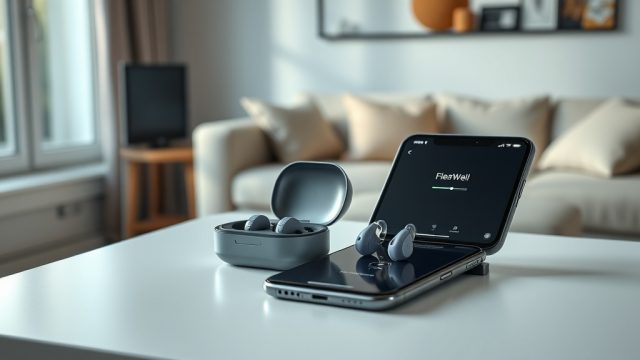
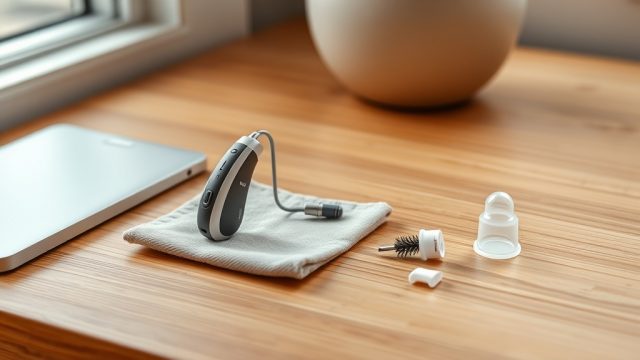
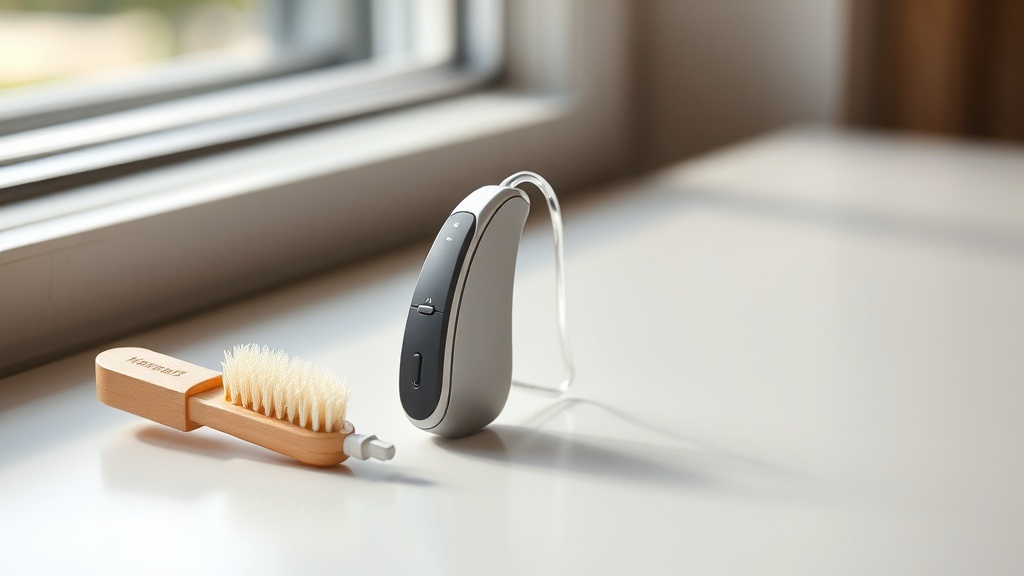
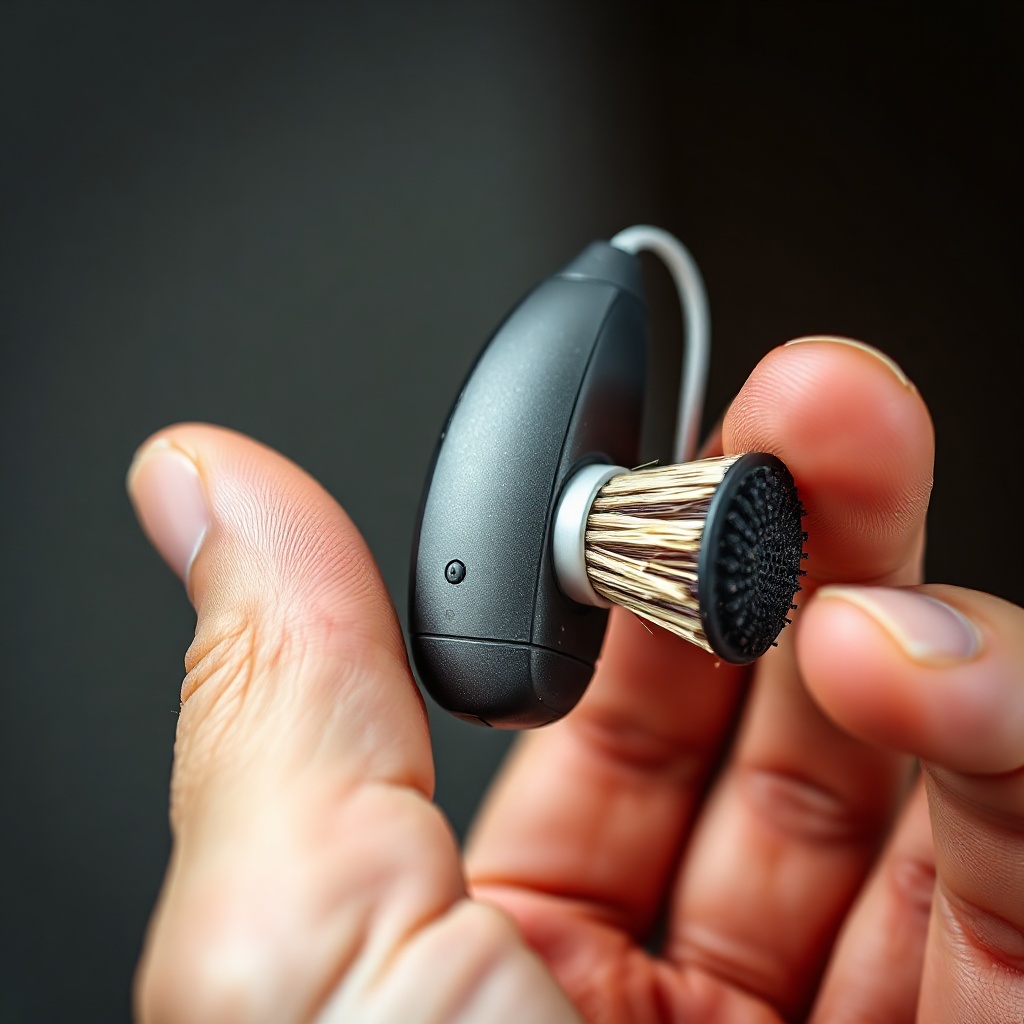
HearWell hearing aids are engineered for clear, natural sound, but occasional distortion—often described as tinny, buzzy, or hollow—can arise from several sources. The most common culprit is a blocked or dirty microphone port or receiver. Over time, earwax, moisture, or debris can accumulate, altering the audio path. Gently clean the microphone inlet and receiver using the provided HearWell brush or a soft, dry cloth. If distortion persists, check for a damaged or loose dome (see our HearWell Fitting Comfort Review: Open vs. Closed Domes for guidance on proper seal). A second possibility is an incompatible hearing aid program—switch between “Restaurant” and “Quiet” modes in the HearWell mobile app to test if the distortion follows a specific setting. Finally, ensure the volume is not set too high; excessive gain can push the tiny speaker into clipping, especially in louder environments. If none of these resolve the issue, the hearing aid may require a professional cleaning or factory reset.
How Do I Stop Static Noise From My HearWell Hearing Aid?
Static noise—a persistent crackling or hissing—can be frustrating, but it is often a sign of electromagnetic interference or a weak battery connection. Start by removing the hearing aid’s battery door for 10 seconds, then fully reinsert the battery. On rechargeable models, ensure the charging contacts are dry and free of debris; a poor connection can introduce electrical noise. Static can also occur near strong wireless signals, such as Wi-Fi routers, Bluetooth speakers, or microwave ovens. Move at least three feet away from these devices and see if the noise subsides. If you are using the telecoil feature, static may result from poor loop system performance—review our HearWell Telecoil Performance: Using Loop Systems in Theaters for tips on optimizing that setting. For persistent static, update the firmware via the HearWell mobile app (Settings > Device > Check for Updates). If the noise remains after all steps, the hearing aid’s internal amplifier may have a defect, which is covered under the one-year warranty for models under £1,200.
What Causes Whistling (Feedback) With HearWell Hearing Aids?
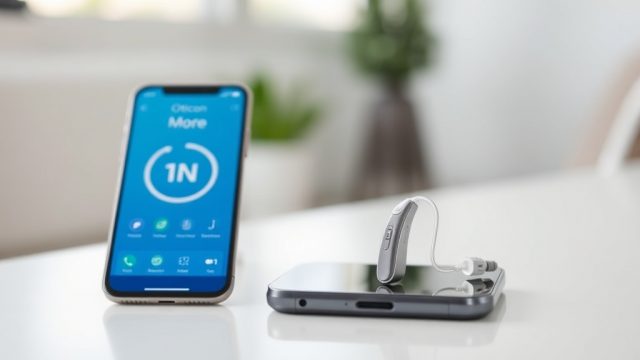
Whistling, or acoustic feedback, occurs when sound from the hearing aid’s speaker leaks back into the microphone and gets re-amplified. The most frequent cause is an improper fit—the dome or custom mold is either too loose or too small. Check if your dome is fully seated in the ear canal; for open domes, a slightly larger size or a switch to a closed dome can eliminate the leak (see our HearWell Feedback Management Test: Minimizing Whistling in Daily Use for detailed dome selection advice). Another common reason is wax buildup in the receiver port or ear canal. Clean the dome and receiver openings daily with the provided tool. If you frequently experience whistling in noisy places, the hearing aid’s feedback cancellation algorithm may need adjustment. In the HearWell mobile app, go to Programs > Customize > Feedback Control and increase the suppression level to Medium or High. Finally, ensure that nothing is covering the microphone—such as your hand, a hat, or a phone—when near the ear. If whistling occurs only during phone calls, reposition the device slightly away from the ear.
How Can I Fix Distorted Sound When Connecting to a TV Streamer?
TV streamers often introduce distortion due to audio compression or Bluetooth codec mismatches. First, verify that the streamer is within 10 meters (30 feet) of your HearWell hearing aids with no thick walls in between. Pairing issues can cause audio breakup—disable Bluetooth on your phone and other devices, then re-pair the TV streamer using the HearWell app’s dedicated TV Setup wizard. If the sound remains choppy or muffled, reduce the streaming volume to around 70% on the streamer itself, then increase the hearing aid volume to compensate; overdriving the streamer’s output can create clipping. For persistent tinny audio, change the streamer’s audio output from “High Fidelity” to “Standard” in the mobile app. Also, check if your TV’s own audio settings are set to “PCM” rather than “Dolby Digital”—the latter can cause compatibility noise. If nothing works, try a factory reset of the streamer by holding its pairing button for 10 seconds.
Does Moisture or Sweat Cause Static in HearWell Hearing Aids?
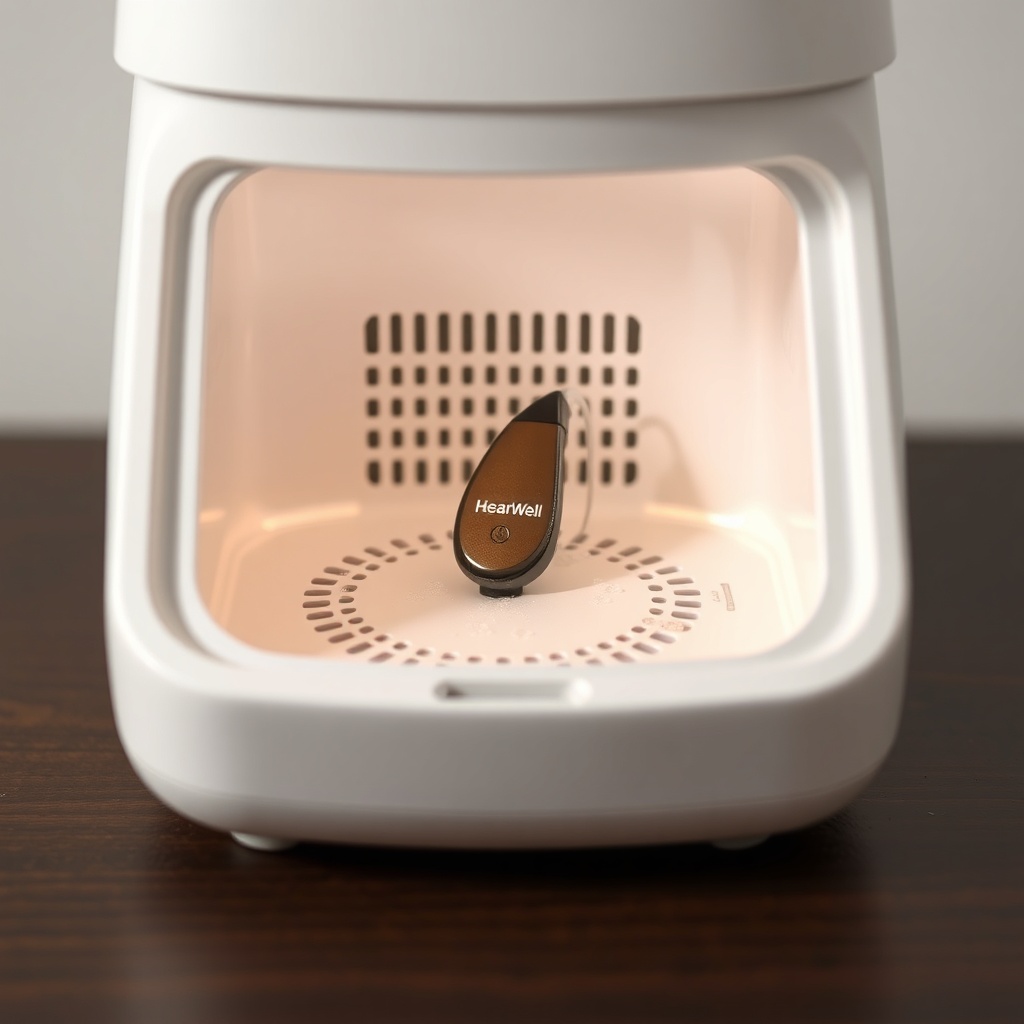
Yes, moisture is a leading cause of intermittent static and crackling in hearing aids, especially during physical activity or high humidity. HearWell’s IP68 rating offers strong protection against sweat and splashes, but it is not invincible. If you experience static after exercising, remove the hearing aids immediately, open the battery compartment (if non-rechargeable), and place them in a drying kit or dehumidifier overnight. For rechargeable models, wipe the case and contacts dry with a lint-free cloth. Even with good water resistance, sweat can accumulate salt crystals that bridge electrical contacts—clean all ports weekly with a dry brush. For insights on long-term moisture handling, read our HearWell Water Resistance and Durability Test: Sweat and Splash Protection. If static persists after full drying, the internal moisture sensor may have triggered a safeguard; leave the device out for 48 hours in a warm (not hot), dry place before retrying.
Why Does One HearWell Aid Sound Quieter or More Distorted Than the Other?
Asymmetry in sound quality or volume between left and right devices is usually due to a physical blockage, a mismatched program, or a failing battery. Start by swapping the domes between aids—if the quieter side follows the dome, that dome is clogged or damaged. Also check the wax filters: replace them with new ones if they appear dark or blocked. On the battery side, weaker cells produce lower voltage, causing distortion particularly in louder sounds. Test by replacing both batteries at the same time using fresh zinc-air cells (use within three days of opening the tab). In the HearWell mobile app, ensure the same program is active in both ears; sometimes a “Music” or “Telecoil” program accidentally gets assigned to one side only. Go to Settings > Balance and confirm the slider is centered. If one aid also feels physically hot, that indicates a short circuit—contact HearWell support immediately for a warranty replacement. For persistent volume imbalance, schedule a hearing test as your own unaided hearing levels may have changed.
Comparison Table: Common HearWell Distortion Causes and Fixes
| Symptom | Likely Cause | DIY Fix | Professional Needed? |
|---|---|---|---|
| Tinny or hollow sound | Blocked microphone or receiver | Clean with brush; replace wax filter | If filter is beyond cleaning |
| Static crackling | Weak battery or nearby interference | Replace battery; move from routers | If persists after battery change |
| Feedback/whistling | Loose dome or earwax buildup | Reseat dome; increase feedback suppression in app | If dome sizing is the root cause |
| One aid quieter | Clogged wax filter or unbalanced app settings | Swap dome; check Balance slider | If hearing loss has changed |
| Distortion with TV streamer | Poor pairing or high streaming volume | Re-pair; reduce streamer volume to 70% | If streamer hardware needs replacement |
| Moisture-related static | Sweat or humidity ingress | Dry overnight in dehumidifier | If warranty covers moisture damage |
What HearWell Owners Say About Distortion and Static Issues
User reviews across online hearing aid communities and the HearWell support forum shed light on common experiences. Several owners report that static noise appears after several months of use, often correlating with wax buildup. “I thought the static was a hardware failure, but after cleaning the microphone port with the included tool, it was crystal clear again,” writes a user in London. Another owner in Manchester shared, “The tinny sound on my right aid was driving me mad. I swapped the dome from open to closed, and the difference was immediate.” However, some owners mention more persistent issues. “Even after drying and cleaning, my left aid crackles in noisy restaurants. I had to update the firmware, and that finally fixed it,” notes a user in Birmingham. A recurring theme is the importance of the HearWell mobile app—owners find the custom equalizer helpful for reducing high-frequency distortion. One owner warns, “Don’t ignore the battery indicator. When the battery gets below 20%, everything sounds muffled or staticky.” Many also praise the customer support team, which offers free cleaning and filter replacements within the first year for models purchased for £1,199 (the HearWell Pro model). To reduce distortion in daily loud environments, several users recommend reading our HearWell Noise Reduction Test: Performance in Noisy Restaurants for specific program tips.
Frequently Asked Questions
1. How often should I clean my HearWell hearing aid to prevent distortion?
Clean the microphone ports and receiver every evening with the dry brush. Replace wax filters every two weeks or when they appear dark. A deeper clean with the drying kit is recommended weekly if you exercise daily.
2. Can HearWell hearing aids be damaged by loud static bursts?
No. The internal circuitry includes a limiter that caps output volume. Infrequent static bursts are more annoying than harmful, but persistent static can cause premature battery drain.
3. Will a factory reset delete my custom programs?
Yes, it will erase all saved programs and paired devices. Before resetting, back up your settings using the HearWell mobile app (Settings > Backup). You can restore them after the reset.
4. My HearWell hearing aid whistles only when I wear a hat. What should I do?
The hat’s brim can block the microphone. Try reducing the feedback suppression level temporarily in the app, or reposition your hat so it sits further away from the top of the ear. A smaller or open dome may also help.
5. Is it normal for sound to distort when the battery is low?
Yes, low battery voltage can cause distortion, particularly in mid- to high-frequency sounds. Replace the battery once the hearing aid alerts you (three short beeps). For rechargeable models, charge when the app shows below 30%.
6. Can I use third-party cleaning tools on my HearWell hearing aid?
We recommend only using HearWell-supplied tools or certified brushes. Harsh chemicals, metal picks, or ultrasonic cleaners can damage the microphone membrane or receiver coil.