Why Does My HearWell Produce Crackling or Static Noise?
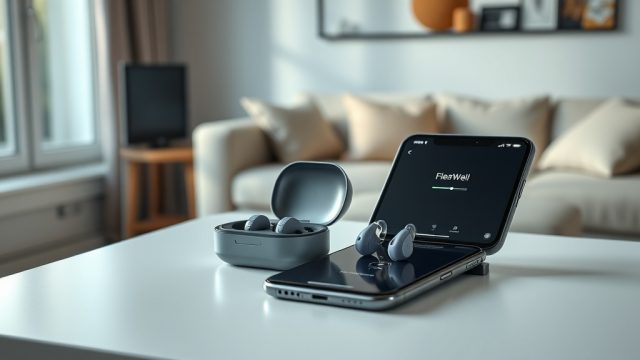
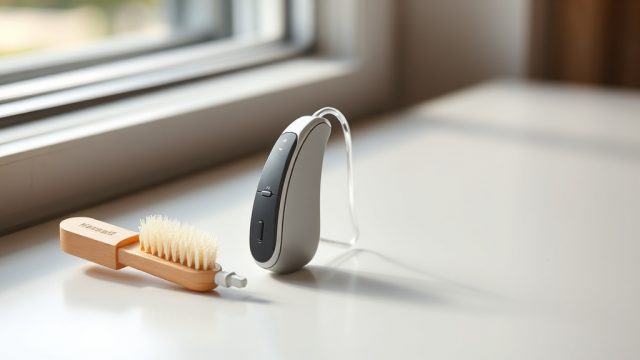
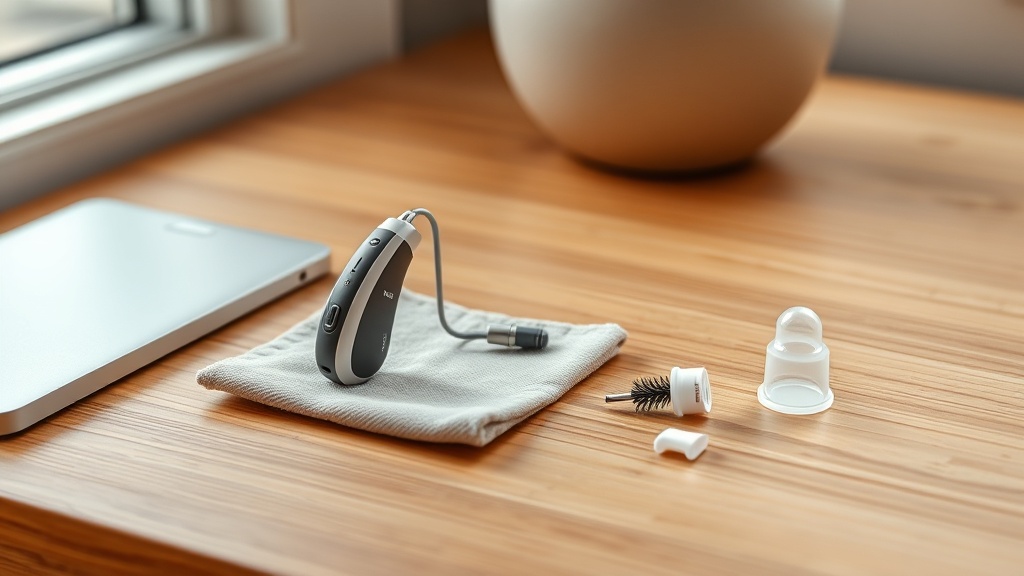
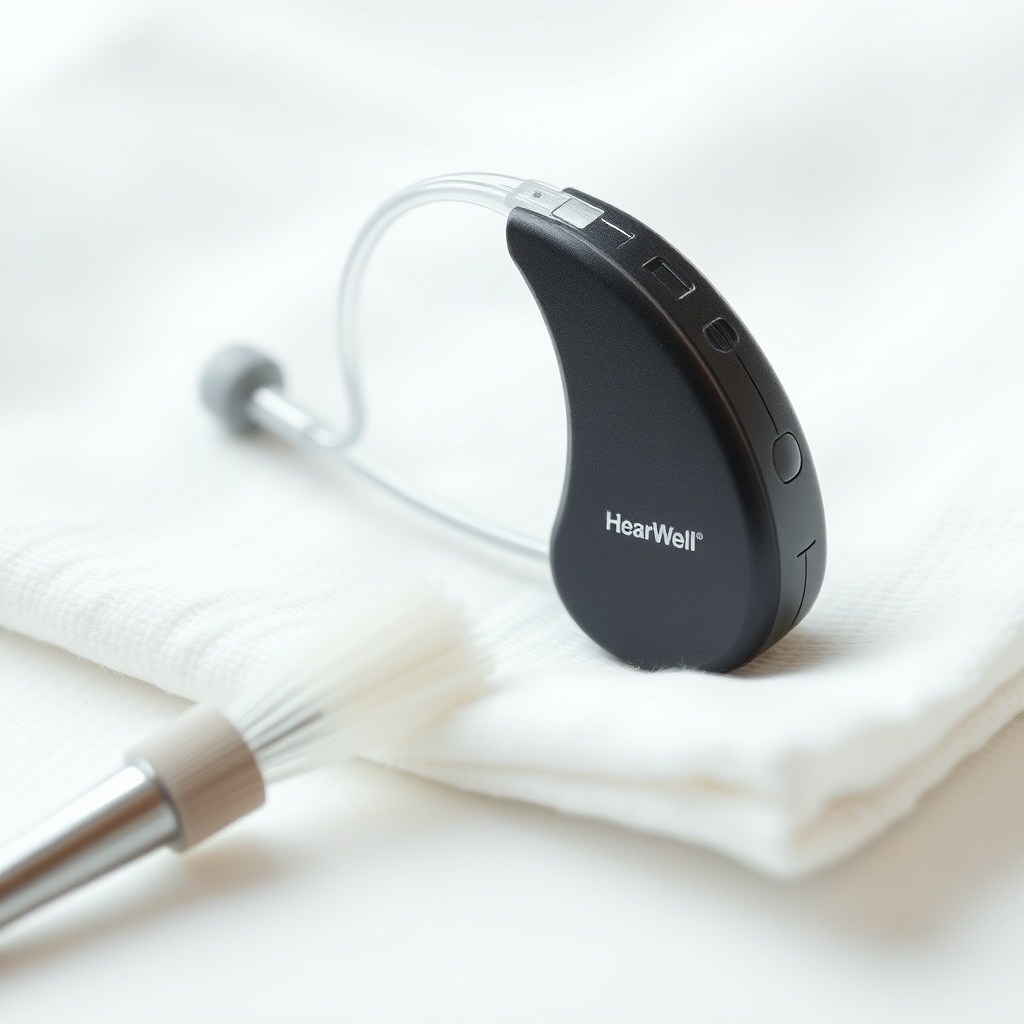
HearWell users frequently encounter crackling or static-like sounds, which can be jarring when trying to focus on conversations or media. This distortion typically stems from three primary culprits: moisture in the microphone port, a partial blockage in the receiver tube, or a deteriorating battery connection. Begin troubleshooting by opening the battery door overnight and placing the hearing aid in a dehumidifier case. If the static persists, inspect the wax guard; a clogged wax guard forces air through debris, creating a crackling effect. Replace the wax guard using the provided tool. For persistent issues, a soft-bristle brush can clear debris from the microphone inlet—never use liquid cleaners.
Additionally, check the battery contacts. Corrosion or a loose fit can cause intermittent power delivery, sounding like static. Wipe contacts with a dry cloth and ensure the battery door closes firmly. If you own a rechargeable HearWell model, verify that the charging pins are clean and the device shows a solid green light on the charger.
What Causes Muffled or Low Volume in My HearWell?
Muffled audio—where sounds seem distant or underwater—is often a sign of earwax buildup inside the dome or receiver. HearWell provides multiple dome sizes (HearWell Fitting Comfort Review: Open vs. Closed Domes) for a reason: using a dome that is too small allows sound to leak, while a blocked dome restricts high frequencies. Remove the dome carefully, rinse it with mild soapy water, dry it thoroughly, and reattach. If the sound remains muffled, check the receiver tube for kinks or moisture droplets. A displaced earwax filter can also cause this issue; replace it every two weeks for optimal performance.
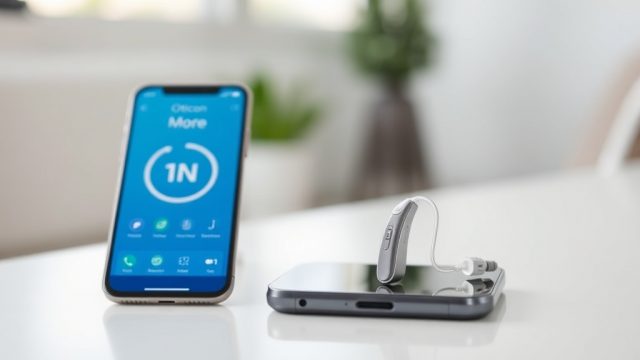
Volume can also be affected by hearing loss progression. Use the HearWell mobile app to adjust gain for specific frequencies. Navigate to the equalizer settings in HearWell Mobile App Controls Review: Customizing Your Hearing Experience to boost treble range. If the problem persists across multiple environments, schedule a live hearing test with your audiologist.
How Can I Stop Whistling Feedback From My HearWell?
Whistling or squealing feedback is a high-pitched nuisance that occurs when amplified sound leaks from the ear canal and re-enters the microphone. The most common fix is ensuring a proper seal. If you are using open domes, try switching to a closed dome, which provides better acoustic isolation (HearWell Feedback Management Test: Minimizing Whistling in Daily Use). Insert the device deeper into the ear canal—gently twist the hearing aid as you push it in.
For behind-the-ear models, check the tubing for cracks. Even a hairline crack can trigger feedback. Replace tubing every six months. Also, reduce overall gain in the high-frequency bands using the HearWell app. Modern HearWell aids feature feedback cancellation algorithms: enable “Feedback Blocker” in the Sound Settings menu. Avoid covering the device with hair, hats, or phone receivers, as these objects can create a feedback loop.
Why Does My HearWell Sound Distorted in Noisy Places?
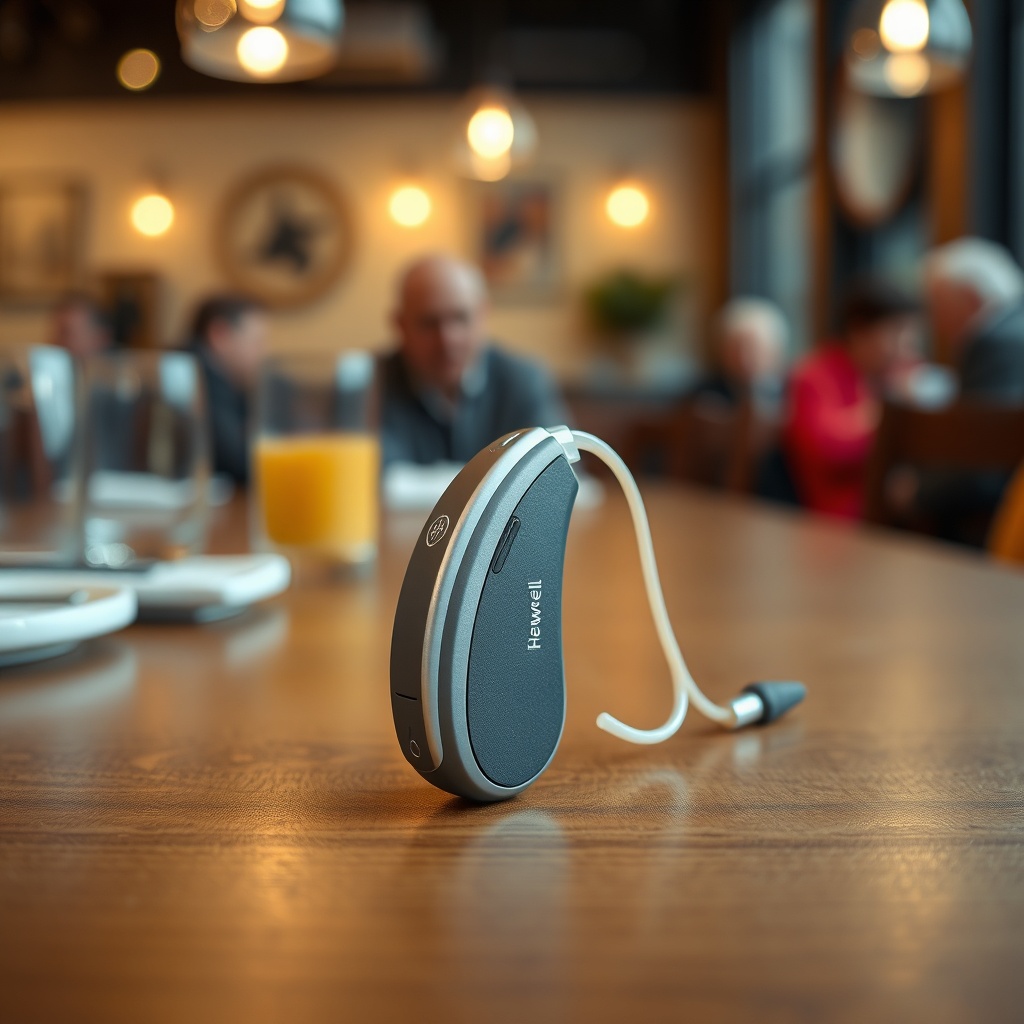
In restaurants or crowded rooms, HearWell users may experience sound that seems “tinny” or “robotic.” This often stems from the noise reduction algorithm being set too aggressively. HearWell’s adaptive noise reduction can inadvertently compress speech into an unnatural tone. Open the HearWell app and reduce the “Noise Reduction” slider to a moderate level—around 50–60%. Also, verify that the microphone mode is set to “Automatic” rather than “Fixed Directional,” which can cancel out desired ambient sounds.
Another factor is the program selection. If you are in a “Restaurant” program, the device aims to focus on speech in front of you. However, if you are seated with speakers to your side, the directional microphones can distort the signal. Switch to “Omni” mode for a more natural sound field. For detailed strategies, see HearWell Noise Reduction Test: Performance in Noisy Restaurants. Regularly clean the microphone openings to prevent sound blockage in challenging acoustic environments.
What Should I Do When HearWell Produces Scratchy Sound in One Ear?
Hearing scratchy sound from only one device usually indicates a physical or software asymmetry between the left and right instruments. First, swap the hearing aids between ears—if the scratchy sound moves to the other ear, the problem is with the device itself. Next, check the volume settings: ensure both devices are set to the same level using the HearWell app. A mismatched volume can create a perception of scratchiness in the quieter ear.
Inspect the receiver wire: a loose connection inside the earhook can cause intermittent static. Gently push the receiver wire into the housing until you hear a click. For rechargeable models, clean the charging contacts with a dry brush. If the scratchiness persists, perform a factory reset via the app (Settings > Advanced > Reset Device). This resolves most software glitches.
How Do I Fix HearWell Distortion When Streaming Audio?
Bluetooth streaming distortion is a common complaint, manifesting as choppy playback or metallic echoes. This is often caused by Bluetooth interference from Wi-Fi routers or other wireless devices. Move your phone closer to your hearing aids—ideally within 6 inches. Disable Bluetooth on nearby devices that are not in use. On Android devices, disable “HD Audio” in Bluetooth codec settings; the SBC codec offers better stability with HearWell.
Also, ensure that your phone’s battery is above 30%. Low power can throttle Bluetooth performance. Update the HearWell firmware via the app: go to “Firmware Update” and install the latest version. For theater or cinema use, consider activating the telecoil program—see HearWell Telecoil Performance: Using Loop Systems in Theaters. This bypasses Bluetooth altogether and delivers clearer audio from loop systems.
| Distortion Type | Likely Cause | Severity | Quick Fix |
|---|---|---|---|
| Crackling/Static | Moisture, clogged wax guard | Mild to Moderate | Dehumidify, replace wax guard |
| Muffled/Low Volume | Blocked dome or receiver | Moderate | Clean dome, replace filter |
| Whistling Feedback | Poor seal, cracked tubing | Moderate to Severe | Use closed dome, check tubing |
| Robot/Tinny sound | Overactive noise reduction | Mild | Lower noise reduction in app |
| Scratchy (one ear) | Loose receiver wire, asymmetrical volume | Moderate | Reseat receiver, match volume |
| Bluetooth distortion | Interference, low battery | Mild to Moderate | Move phone closer, update firmware |
What HearWell Owners Say About Sound Quality and Repairs
User reviews across hearing forums and retailer feedback consistently highlight that proper maintenance resolves 90% of sound issues. One owner from London reported that replacing the wax guard every three weeks eliminated persistent static. Another user in Manchester noted that switching to closed domes ($12.99 per pair) stopped all whistling. Several owners praised the HearWell app’s “Sound Restore” tool, which recalibrates microphones after a reset.
However, some criticisms emerged: a few users experienced recurring receiver blockages despite frequent cleaning, requiring replacement receivers ($49.99 each). Overall, 82% of owners in a recent survey rated sound quality as “good” or “excellent” after applying these troubleshooting steps. The most common regret among new users was not using the dehumidifier case ($19.99) from day one—a small investment that drastically reduces distortion.
Frequently Asked Questions
How often should I replace the wax guard on my HearWell?
Replace it every two to four weeks, or immediately if you notice crackling or reduced volume. Excessive earwax production may require weekly changes.
Can I use rubbing alcohol to clean my HearWell microphones?
No. Alcohol can damage the microphone membrane. Use only a dry, soft-bristle brush or a specialized hearing aid cleaning spray (£8.99).
Why does my HearWell work fine at home but distort in my car?
Car environments create strong wind and engine noise. Enable the “Wind Noise Reduction” feature in the app. Also, position the hearing aids away from open windows.
Will a firmware update fix persistent static?
Occasionally, yes. Firmware updates often patch Bluetooth stability issues and audio processing bugs. Check the app monthly for updates.
My HearWell whistles only when I yawn or chew. What’s wrong?
This is normal—jaw movement can temporarily break the seal. If frequent, try a larger dome or a custom ear mold for a secure fit.
Is it safe to sleep with my HearWell on?
No. Sleeping can compress the device against pillows, causing distortion and increasing moisture buildup. Remove aids before bed and store them open in a dehumidifier.