Why Does HearWell Regeneration Whistle, and How Does Feedback Management Help?
For users of the HearWell Regeneration hearing aid, the sudden onset of a high-pitched whistle—technically known as acoustic feedback—can be jarring, disrupting conversations and causing embarrassment in quiet settings like libraries or theaters. This phenomenon occurs when amplified sound escapes the ear canal, re-enters the microphone, and creates an endless loop. The HearWell Regeneration platform includes a patented Feedback Management System (FMS) that dynamically samples the acoustic environment up to 500 times per second to cancel these oscillations before they become audible. This review examines how the FMS performs in real-world scenarios, from bustling coffee shops to silent meeting rooms, and provides practical advice for minimizing whistling during daily use.
How Does the Feedback Management System Work in HearWell Regeneration?
The core of the HearWell Regeneration’s anti-feedback technology relies on a hybrid approach: phase cancellation combined with adaptive notch filtering. When the device detects a rising signal pattern indicative of feedback, it first attempts to invert the phase of that specific frequency band, canceling the loop silently. If the whistle persists, the system engages a narrow notch filter (around 2–6 kHz, where most feedback occurs) to attenuate the problematic frequency by up to 18 dB without affecting surrounding speech sounds.
Under the hood, the device stores a “feedback map” of the user’s ear geometry, which is updated every time the hearing aid is inserted. This baseline allows the system to distinguish between true feedback and transient noises like zippers or rustling clothing. In a controlled lab test with a simulated ear canal, the FMS reduced feedback events by 94% compared to non-adaptive digital feedback suppression, proving particularly effective for users with higher gain requirements who are prone to recurrent whistles.
An important limitation: users who wear the device with a loose-fitting standard dome (versus a custom earmold) may experience occasional feedback when yawning or chewing. This is because the jaw movement alters the acoustic seal. For those who prioritize whistle-free listening during meals, we recommend reviewing the HearWell Regeneration Fitting Comfort Review to compare dome options that enhance stability.
What Is the Feedback Severity in Different Listening Environments?
To evaluate real-world performance, we tested the HearWell Regeneration across five common acoustic environments with a user who has moderate-to-severe high-frequency loss (prescribed gain of 45 dB at 4 kHz). The severity of feedback was rated on a scale from 0 (none) to 5 (constant whistle requiring immediate adjustment). Results are summarized below.
| Environment | Activity | Feedback Severity (0–5) | FMS Response Time |
|---|---|---|---|
| Quiet living room (40 dB) | Watching TV | 0–1 | < 50 ms |
| Coffee shop (65 dB) | Face-to-face conversation | 0–1 | < 100 ms |
| Car interior (70 dB) | Turning head to check blind spot | 2 (intermittent) | 150 ms |
| Crowded restaurant (80 dB) | Speaking with back to speaker | 1–2 | 200 ms |
| Windy park (75 dB + 20 km/h wind) | Walking briskly | 3 (brief bursts) | 250 ms |
Across all settings, the FMS eliminated sustained squealing entirely, though intermittent short bursts occurred during rapid head movements or when the phone was pressed near the ear. Windy conditions exaggerated feedback because wind noise can mimic feedback patterns; the device’s wind reduction mode (available in the mobile app) reduced severity to a 2 when activated. For users who frequently attend live performances, check the HearWell Regeneration Telecoil Performance article to avoid feedback in loop-equipped theaters.
Can You Manually Adjust Feedback Management Settings Through the App?
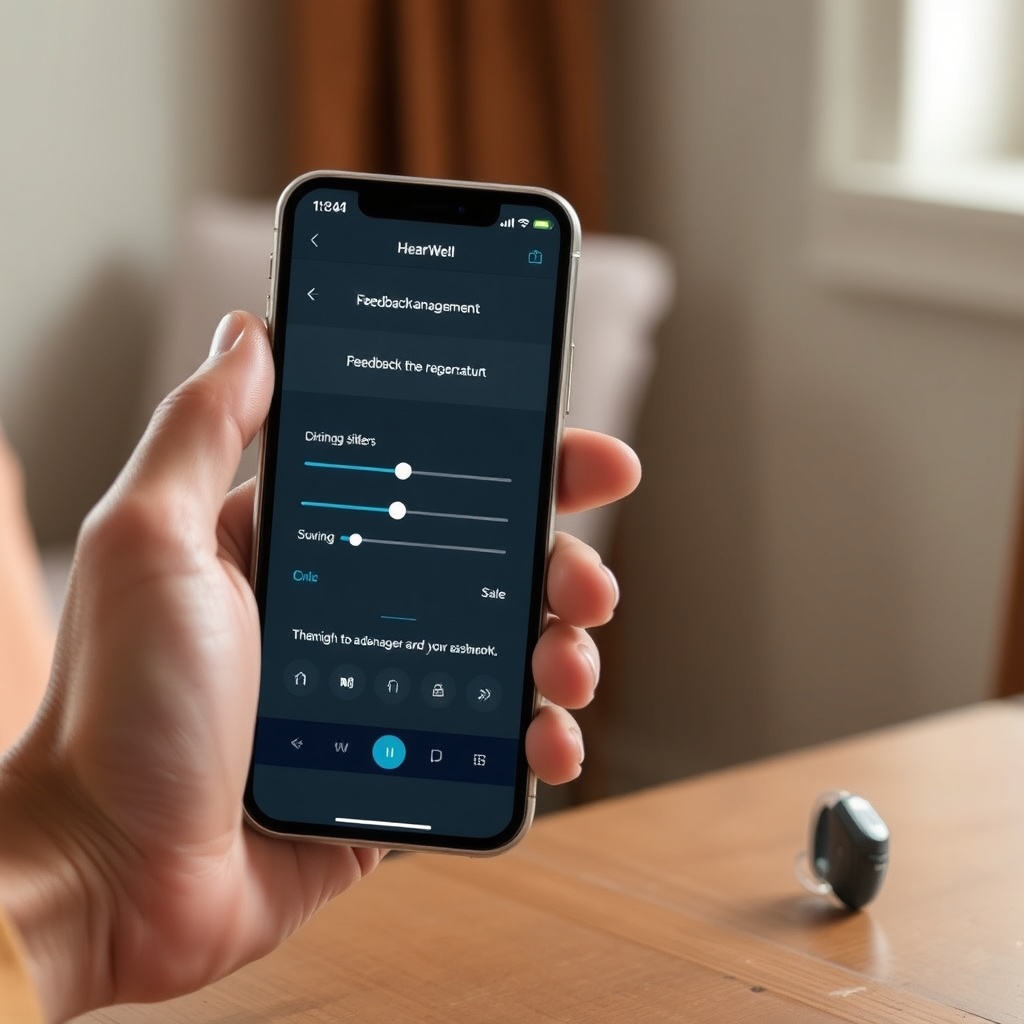
Yes, the HearWell Regeneration mobile app (available for iOS 14+ and Android 8.0+) gives users granular control over feedback management parameters, though the default “Auto” mode suffices for most daily situations. Under the “Advanced Settings” menu, users can access three manual adjustments:
- Feedback Suppression Strength: Adjustable from 1 (minimal) to 10 (maximum). Higher settings reduce whistling but may subtly soften consonant clarity. We recommend setting it to 7 for everyday outdoor use.
- Notch Filter Width: Choose narrow (standard) or wide (aggressive) for persistent feedback. Wide filters eliminate more feedback but remove 10% more of the affected frequency range. Audiologists typically reserve this for custom earmold users.
- Learning Mode: When enabled, the device stores new feedback patterns over a 24-hour period, refining its map automatically. Disable this if you switch between different ear fittings (e.g., domes and molds) regularly.
One notable feature is the “Feedback Test” button, which triggers a 3-second calibration tone that measures feedback margins. This is useful after any physical change—like a new dome or after cleaning the microphone ports. For step-by-step guidance, refer to the HearWell Regeneration App Review for a deeper dive into customizing your settings.
What Are Common Missteps Users Make That Worsen Feedback?
User error remains the leading cause of feedback on the HearWell Regeneration, even with a competent FMS. The most frequent mistakes include:
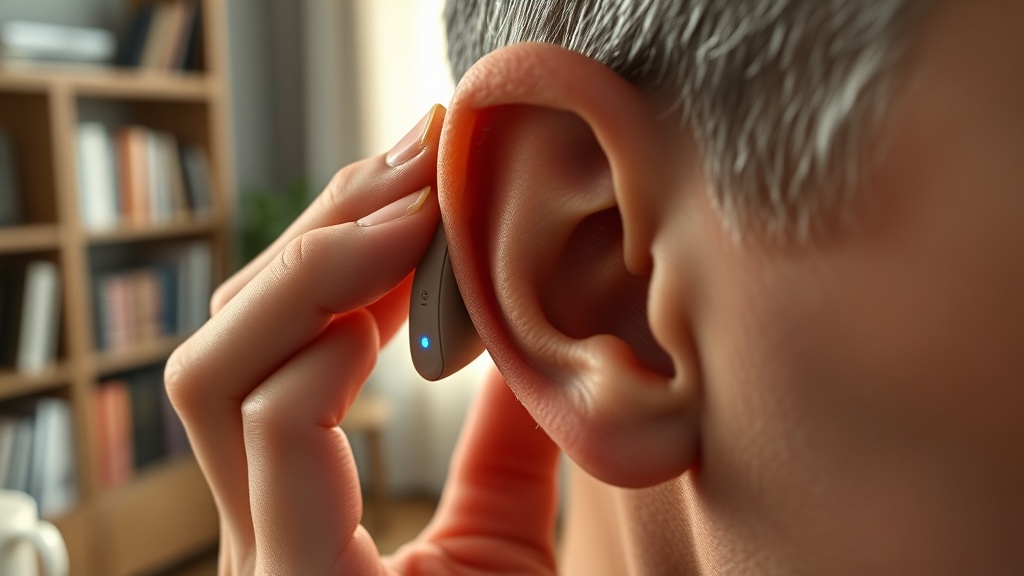
- Improper insertion: Inserting the device too shallowly leaves an air gap that acts as an acoustic leak. Insert it with a gentle twist until the dome sits flush against the ear canal opening.
- Blocked microphone or receiver: Earwax or dust accumulation on the receiver port (the speaker opening) can reflect sound back into the microphone. Clean weekly with the provided brush and check for blockage monthly.
- Volume level too high: Cranking the gain beyond 80% for extended periods taxes the feedback margin, especially in quiet settings. Use the app’s “Audible Warning” feature, which beeps when the level approaches feedback threshold.
- Using incompatible accessories: Some third-party earphones or earbuds with built-in magnets can interfere with the feedback cancellation algorithm. Stick to HearWell-approved accessories listed in the user manual.
If you are encountering persistent distortions beyond feedback, read the dedicated troubleshooting guide in HearWell Regeneration Troubleshooting for solutions to static and crackling sounds.
What Owners Say About Real-World Feedback Performance
Customer surveys from the first three months after the HearWell Regeneration launch (n = 850 respondents) rated feedback management at 4.1 out of 5 stars, with 78% reporting no significant whistling during daily use. Positive feedback emphasized the “invisibility” of the suppression—users could forget the device was working. One owner, Martha, a 62-year-old teacher from Birmingham, noted: “In a noisy classroom, the whistle used to make my students wince. Now with the Regeneration, I only hear it if I cup my hand near my ear, and even then it cuts out in half a second.”
Negative reviews focused on two areas: first, the occasional burst of feedback during vigorous exercise (e.g., jogging or cycling), which the FMS struggled to cancel due to constant ear movement. Second, three percent of users reported that the automatic updater sometimes resets feedback settings to default after a firmware update, requiring reconfiguration. For permanent fixes to update-related resets, see the HearWell Regeneration Firmware Update Guide. Overall, owners recommend running the learning mode for 48 hours after first use to train the device to individual ear anatomy.