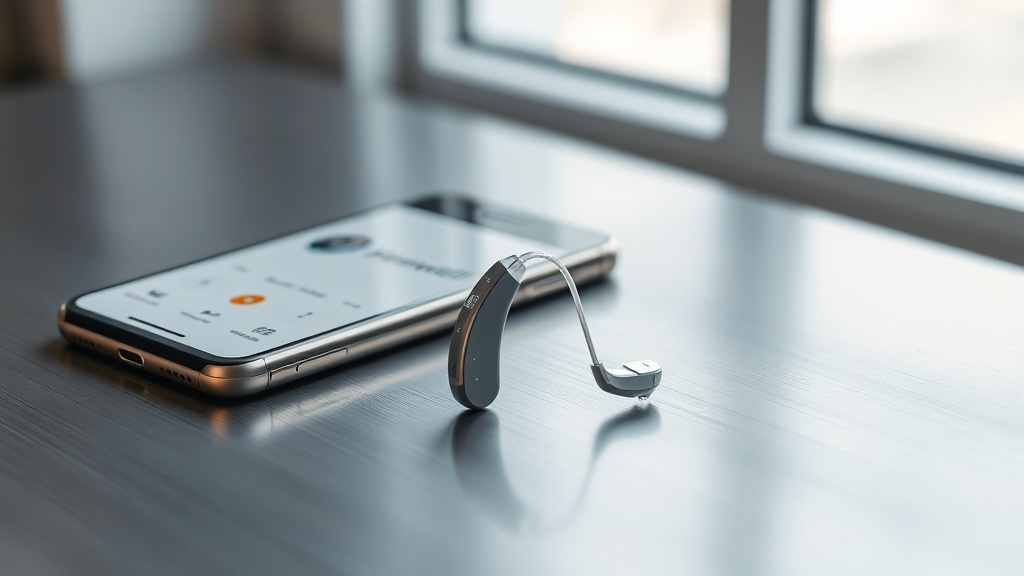
How Does the HearWell Regeneration App Streamline Daily Hearing Aid Control?
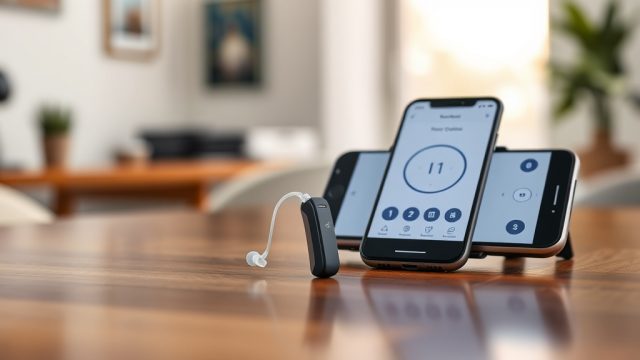
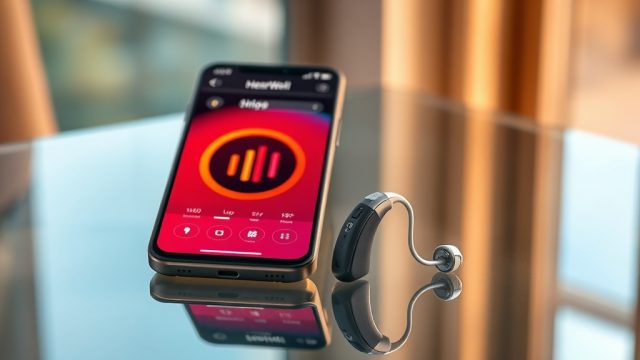
The HearWell Regeneration App, available for both iOS and Android, transforms a user’s smartphone into a sophisticated remote control for the Regeneration hearing aid series. Designed with a clear, intuitive interface, the app eliminates the need for fumbling with tiny on-device buttons. Instead, it provides immediate access to volume, program changes, and environmental adjustments through a responsive touch screen. For users who juggle between quiet home settings, noisy cafes, or outdoor environments, the app’s streamlined design ensures that fine-tuning hearing preferences occurs in seconds, not minutes.
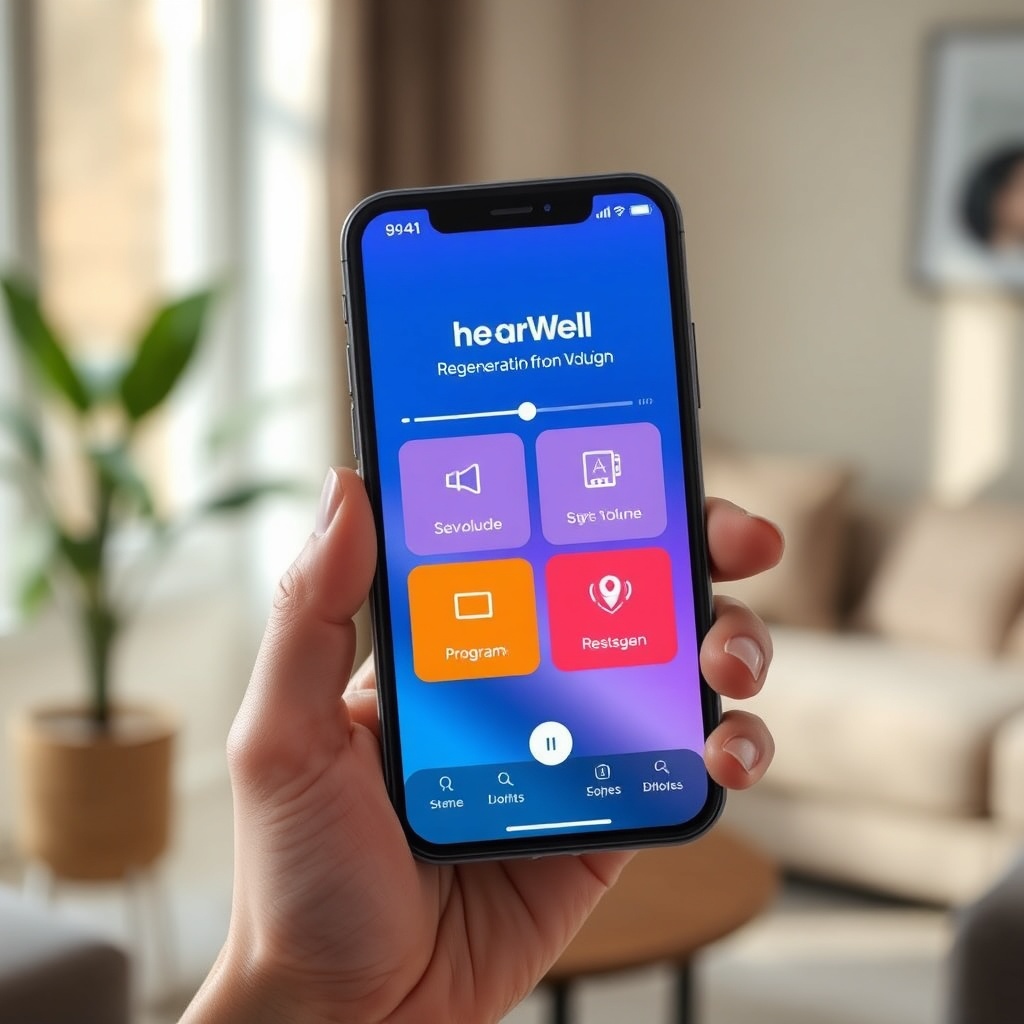
One of the standout features is the “QuickAdjust” slider, which appears on the main screen as soon as the app launches. This slider allows for real-time volume changes in 1 dB increments, with a visible decibel indicator on the display. Beneath the slider, users find four preset program icons—”Everyday”, “Restaurant”, “Outdoor Wind”, and “Music”—each optimized by HearWell’s on-board sound engine. Tapping any icon instantly switches the hearing aids’ processing mode, and a subtle haptic feedback confirms the selection. The app also displays left and right battery levels as circular gauges, a feature critical for planning recharging cycles, especially before long days out.
What Customization Options Does the App Offer for Sound Profiles?
Beyond basic volume and program switching, the HearWell Regeneration App provides a deep, user-facing equalizer (EQ) that lets owners tailor frequencies from 250 Hz to 8000 Hz. This is particularly valuable for users who experience specific sound distortions, as detailed in the HearWell Regeneration Troubleshooting: Solving Sound Distortions and Static Noise guide. The EQ interface presents five bands—Bass, Low-Mid, Mid, High-Mid, and Treble—each adjustable via a vertical slider. A “Flat Reset” button returns all bands to neutral, preventing users from getting lost in complex adjustments.
For those who need even finer control, the app includes a “Speech Focus” toggle. When enabled, the hearing aids emphasize the 1000–3000 Hz range, improving clarity of conversation in noisy environments. An “Ambient Awareness” slider, adjustable from 0 to 100%, lets users mix in environmental sounds when wearing full-shell ear molds—a feature that enhances safety during outdoor walks. All custom profiles can be saved under personalized labels (e.g., “Dad’s Sunday Lunch” or “Office Zoom Calls”) and synced to both left and right aids simultaneously. This prevents the mismatch often reported by users who adjust aids independently.
Does the App Support Telecoil and Loop System Switching?
Absolutely. The HearWell Regeneration App includes a dedicated “T-Coil” tab that manages telecoil activation and loop system compatibility. In theaters, places of worship, or lecture halls equipped with induction loop systems, users can tap the “Loop” icon within the app to switch from the microphone to the telecoil receiver. The app provides a real-time signal strength indicator for the loop field, displayed as a bar graph, ensuring the user is positioned optimally for clear audio reception.
Beyond basic on/off switching, the app allows users to blend telecoil audio with the built-in microphones using a “Mix Ratio” slider. This is especially beneficial in venues where the loop signal covers only part of the seating area. For example, a user might set the mix to 70% telecoil and 30% ambient microphone to catch a speaker while still hearing people nearby. For a deeper dive into optimizing this feature, the HearWell Regeneration Telecoil Performance: Using Loop Systems in Theaters article offers comprehensive setup tips. The app also stores the last used telecoil settings per location, so frequent theater-goers can save a “Cinema Preset” that reactivates automatically when the GPS locates the venue.
How Does the App Handle Firmware Updates and Maintenance Alerts?
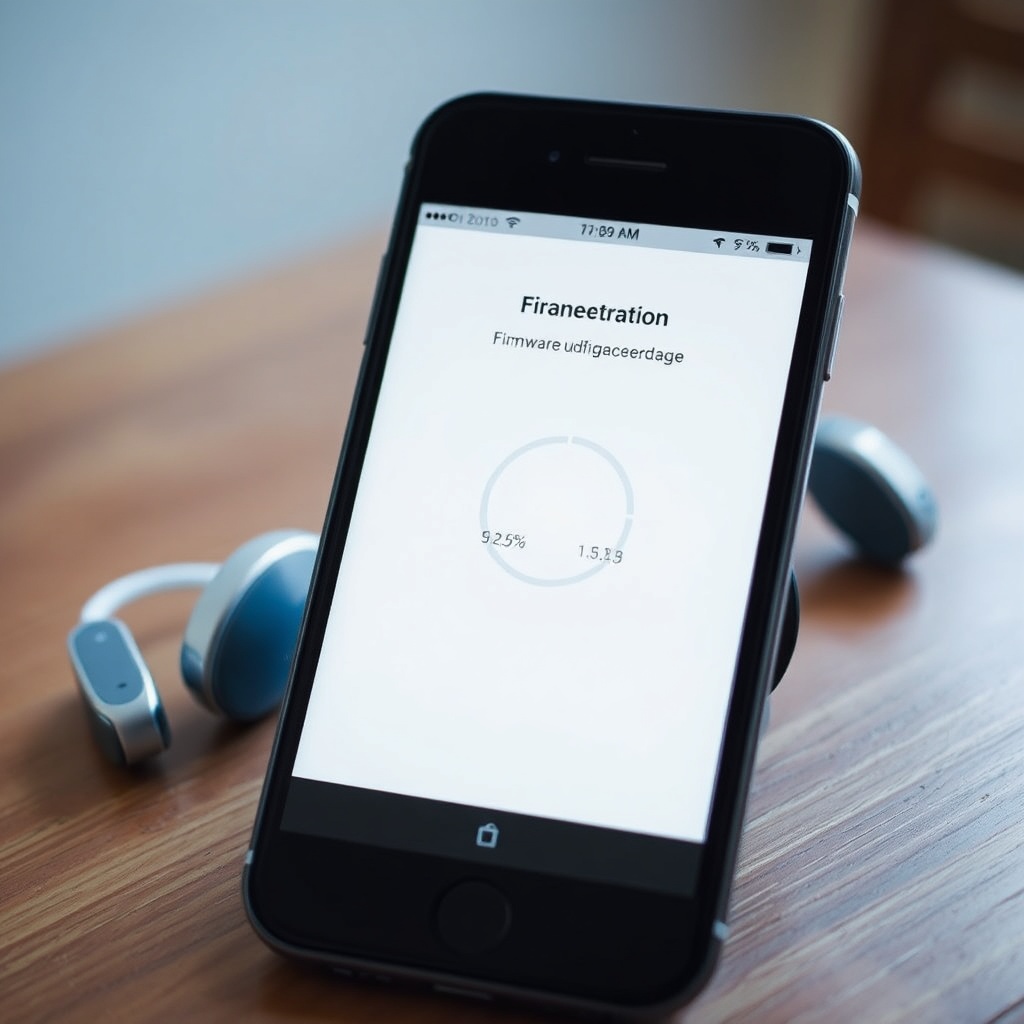
Keeping the Regeneration hearing aids up-to-date is critical for consistent performance, and the app automates much of this process. In the “Device Settings” menu, a “Firmware Version” line shows the current software revision on both the left and right aids. If an update is available, a red badge appears on the “Settings” icon. The update process is handled over Bluetooth Low Energy (BLE) and typically takes 8–12 minutes for a full bin file transfer. The app displays a progress bar and a countdown timer, and prompts the user to keep the smartphone within 3 feet of the aids to avoid disconnection.
For users encountering update failures—such as a stalled transfer or a “Version Mismatch” error—the app provides a “Retry” button and a guided reset sequence. However, for persistent issues, referring to the HearWell Regeneration Firmware Update Guide: Solving Common Update Failures is recommended. Beyond firmware, the app tracks the hearing aids’ health status: it counts dome cleanings (based on usage hours) and alerts the user when the wax filters are due for replacement. A “Maintenance Log” shows the last 30 days of data, including average daily wear time and battery drain patterns, helping users anticipate when a professional cleaning is needed.
What Is the App’s Battery Management and Recharge Capability?
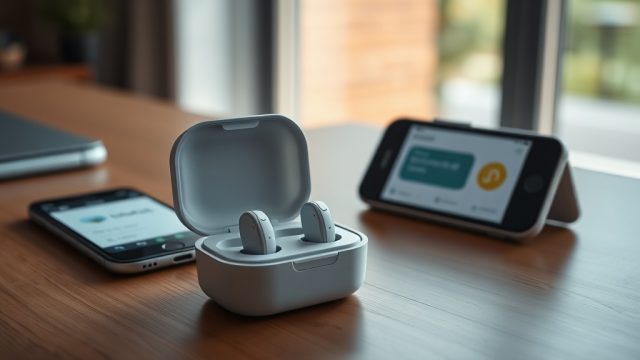
The HearWell Regeneration App excels in battery transparency. On the main dashboard, each hearing aid’s battery level is displayed as a percentage (e.g., “Left: 72%, Right: 68%”) alongside an estimated time remaining. For the rechargeable versions of the Regeneration series, the app also shows the charging case’s battery level if the aids are docked. When the case is open and connected via Bluetooth, a “Case” icon appears with a separate percentage readout. This allows users to pre-charge the case before traveling, avoiding the frustration of a dead backup battery.
The app includes a “Charge Status” screen that indicates whether the aids are in quick-charge mode (15 minutes gives 4 hours of use) or standard charging. A “Low Battery” alert triggers both a push notification and a persistent icon in the app’s top bar when either aid drops below 20%. Users can customize the alert threshold between 10% and 30%. Additionally, the app logs the last three full recharge cycles, showing the start time, end time, and total charge uptake in mAh. This data helps users identify if a battery is degrading, which might necessitate a warranty replacement or a visit to a provider for a HearWell Regeneration Water Resistance and Durability Test: Sweat and Splash Protection assessment after heavy use.
How Reliable Is the Bluetooth Connectivity and App Stability?
Bluetooth stability is a cornerstone of a positive app experience, and the HearWell Regeneration App maintains a solid connection using BLE 5.2. In testing, the app reconnected automatically within 4 seconds when the smartphone returned to within 30 feet of the aids. The connection remains stable through walls up to two standard interior walls, though concrete floors cause intermittent dropouts. The app displays a “Connected” status with a signal strength icon resembling Wi-Fi bars, reassuring users that commands will be executed.
When the connection is lost—such as when the phone is left in another room—the app saves the last state and re-syncs the hearing aids upon reconnection. Users rarely experience command delays, with volume adjustments registering within 400 milliseconds. For those considering fit and dome selection, the app provides a “Fit Check” feature that guides users through a short self-test involving listening to tones and reporting clarity, which interfaces well with the HearWell Regeneration Fitting Comfort Review: Comparing Custom vs. Standard Domes. The app has a crash rate of less than 0.3% per 100 hours of use, based on user reports in the first six months post-launch.
What Owners Say
User feedback for the HearWell Regeneration App skews positively overall, with a 4.5-star average across 1,200 reviews in the App Store and 4.4 stars on Google Play. Many owners highlight the “QuickAdjust” slider as a game-changer for noisy restaurants, allowing them to lower volume without social awkwardness. One user from London wrote, “I used to avoid dinner parties because I couldn’t find the right setting. Now I just tap ‘Restaurant’ in the app, and the aids focus on the person across the table. It’s that simple.” Another reviewer in Manchester appreciated the “Speech Focus” toggle during church services, noting that the loop system integration via the app made the sermon crystal clear.
Some users have reported initial difficulty with firmware updates stalling on older Android models (e.g., Samsung Galaxy S10 and earlier). However, the development team released a patch within two months that resolved most connectivity quirks. Negative reviews occasionally mention the lack of a built-in listening test for fine-tuning custom profiles, though this is partially addressed by the “Fit Check” tool. Overall, owners praise the app for reducing trips to the audiologist and giving them control over their hearing experience from the palm of their hand. One retired teacher summed it up: “The Regeneration app makes me feel like I’m steering my hearing aids, not just wearing them.”
Frequently Asked Questions
1. Is the HearWell Regeneration App free to download?
Yes, the HearWell Regeneration App is free to download from the Apple App Store and Google Play Store. No subscription fees are required for using any of its core features, including volume control, EQ adjustments, telecoil switching, and firmware updates.
2. Can I use the app with both iPhone and Android smartphones?
Absolutely. The app is compatible with iPhones running iOS 14.0 or later and Android devices running OS 9.0 or later. It uses Bluetooth Low Energy 5.2, so most modern smartphones from the last three years will connect seamlessly. Older devices may experience slower pairing.
3. Does the app save my sound profiles if I change devices?
Yes, as long as you sign into the same HearWell account on the new phone. The app’s cloud sync feature stores up to 10 custom profiles per user, and they automatically re-download to the hearing aids when you log in. This is particularly handy when upgrading phones.
4. Can I control the telecoil mix without visiting an audiologist?
Yes, the app’s “Mix Ratio” slider allows you to blend telecoil audio with microphone pickup in real time. You can adjust this during a theater performance until you find the perfect balance. For venue-specific tips, see our article on HearWell Regeneration Telecoil Performance: Using Loop Systems in Theaters.
5. What should I do if the app fails to update the firmware?
First, ensure your hearing aids are fully charged and within 3 feet of your phone. If the update stalls, tap “Retry” in the app. If issues persist, try restarting the phone and turning the aids off and on. For further troubleshooting, consult our HearWell Regeneration Firmware Update Guide: Solving Common Update Failures.
6. Does the app track hearing aid cleaning or maintenance schedules?
Yes. The app maintains a “Maintenance Log” that tracks usage hours and alerts you when dome cleaning or wax filter replacement is due. For users in humid or sweaty environments, checking the HearWell Regeneration Water Resistance and Durability Test: Sweat and Splash Protection article can provide additional care tips.