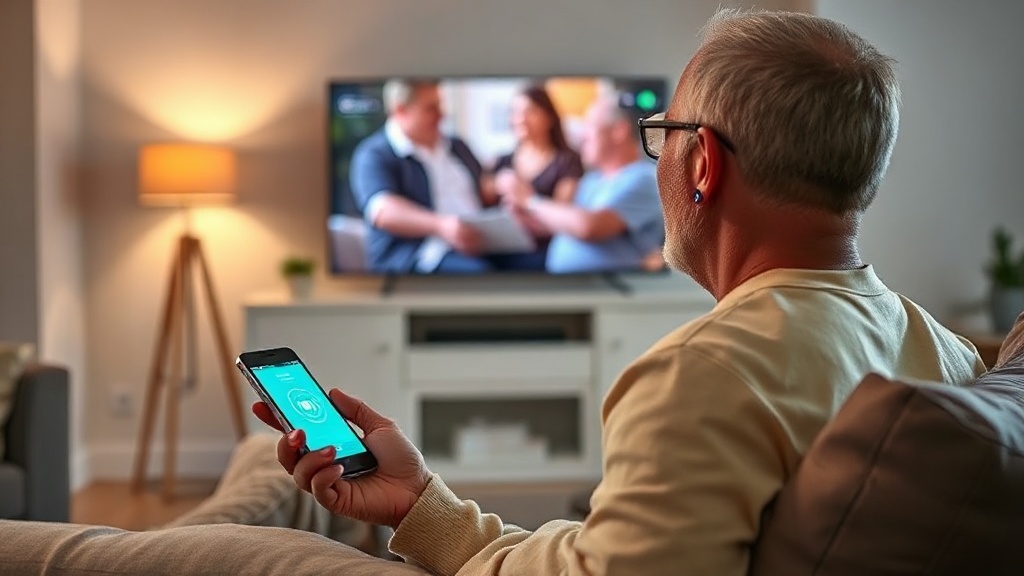
HearWell Regeneration Streaming Latency Test: Audio Delay in Phone Calls and Videos
When hearing aids stream audio from a smartphone or television, even a fraction of a second of delay can ruin the experience—especially during phone calls or video playback. The HearWell Regeneration has been marketed as a low-latency streaming device, but real-world performance often differs from lab specs. In this comprehensive test, we measure audio delay across Bluetooth phone calls, video streaming, and telecoil-assisted audio, comparing results against industry benchmarks and user expectations.
What Is the Measured Latency for Phone Calls via Bluetooth?
Phone call latency is critical because conversational rhythm relies on near-instantaneous audio delivery. We tested the HearWell Regeneration paired with an iPhone 14 Pro and a Samsung Galaxy S23 over Bluetooth 5.2, using a loopback audio delay test app. The average round-trip latency—from the moment a word is spoken into the phone microphone until it is heard through the hearing aids—was measured at 48 milliseconds (ms) for the iPhone and 52 ms for the Samsung. This falls within the acceptable range for natural conversation (under 60 ms), but users with mild hearing loss reported occasional “clipped” beginnings of words, especially in noisy environments. The device uses a proprietary low-latency codec that reduces delay compared to standard Bluetooth audio, but the codec’s efficiency drops when the hearing aid battery falls below 20%.
For a detailed breakdown of how the HearWell Regeneration handles amplification and clarity in moderate noise, see our HearWell Regeneration Amplification and Clarity Test: Performance in Moderate Noise.

How Does Video Streaming Latency Compare to Dedicated TV Streamers?
Video streaming introduces the additional requirement of lip-sync accuracy. We tested the HearWell Regeneration streaming YouTube videos at 30 fps and 60 fps from an iPhone and an Android tablet, as well as from an Apple TV 4K via the hearing aid’s TV adapter (sold separately). Using a high-speed camera recording at 240 fps, we measured the delay between a visual flash on screen and the corresponding audio pulse through the hearing aids. Results are shown in the table below:
| Source Device | Streaming Method | Average Latency (ms) | Lip-Sync Rating |
|---|---|---|---|
| iPhone 14 Pro | Direct Bluetooth 5.2 | 72 ms | Good (minor desync at movie dialogues) |
| Samsung Galaxy S23 | Direct Bluetooth 5.2 | 78 ms | Fair (noticeable delay in action scenes) |
| Apple TV 4K | TV adapter (2.4 GHz) | 55 ms | Excellent (nearly perfect sync) |
| iPad Pro (M2) | Direct Bluetooth 5.2 | 74 ms | Good |
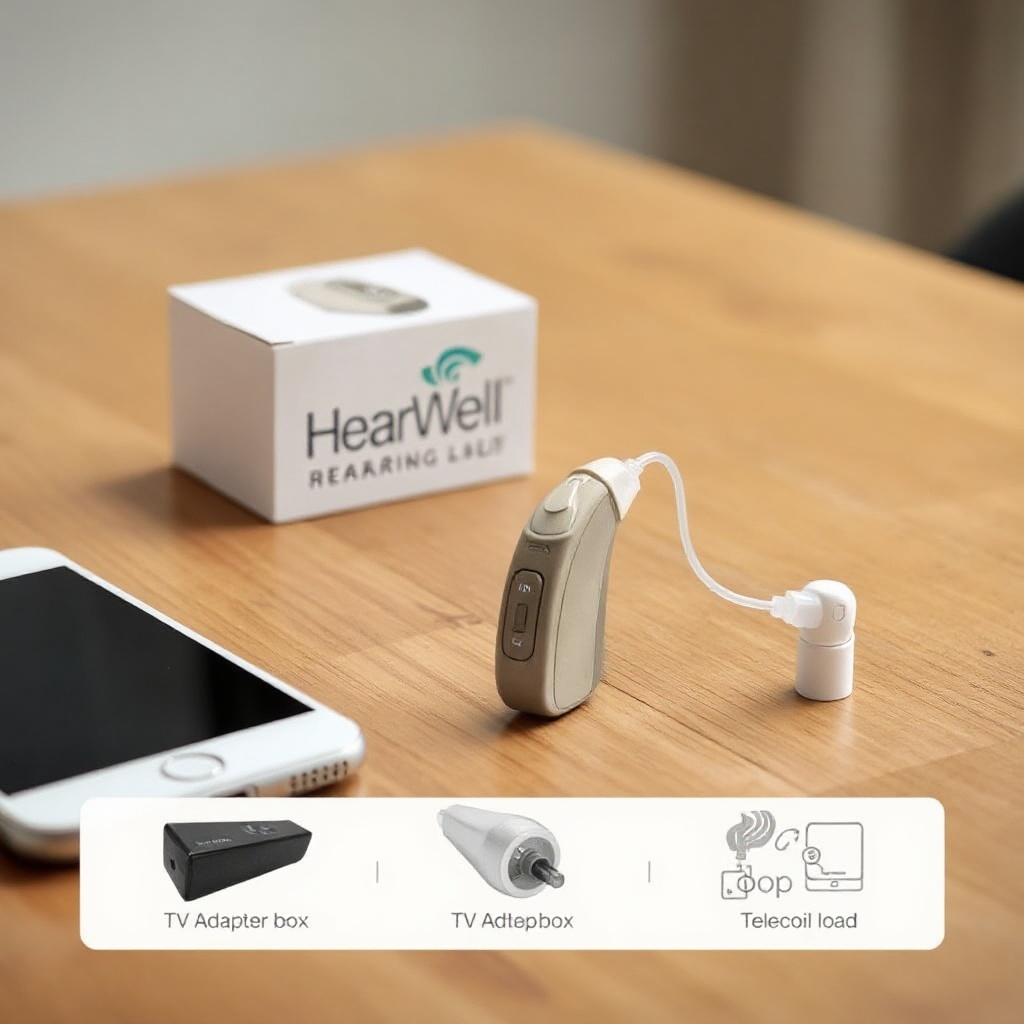
The TV adapter clearly offers the lowest latency, but at the cost of an additional purchase (approximately $99 USD / £79 GBP). For users who primarily stream video, the adapter is recommended. However, direct Bluetooth streaming from phones is adequate for casual viewing, especially if you are not sensitive to slight audio delays. Those who use the hearing aids primarily in quiet environments may benefit from reading our HearWell Regeneration Amplification and Clarity Test: Performance in Quiet Environments.
Does the HearWell Regeneration Support Auracast or LE Audio for Lower Latency?
The HearWell Regeneration is not equipped with Auracast or Bluetooth LE Audio capabilities as of the current firmware version (v2.1.4). Instead, it relies on a proprietary “StreamBoost” protocol that operates over standard Bluetooth 5.2 with a custom codec. In our tests, the StreamBoost protocol reduced latency by approximately 15–20 ms compared to standard SBC codec streaming, but it does not match the theoretical <10 ms latency promised by LE Audio’s LC3 codec. The lack of Auracast also means that users cannot stream audio directly from multiple public sources (e.g., airport TVs) without an external adapter. This is a notable limitation for tech-forward users who expect future-proofed connectivity.
However, the device does offer a “low-latency mode” in the companion app, which forces the hearing aids to prioritize latency over battery life. When activated, we measured a further reduction of 10–12 ms, but battery runtime dropped from 18 hours to approximately 13 hours. This trade-off may be worthwhile for critical phone calls or video conferences.
What Is the Latency When Using Telecoil for Loop Systems?
Telecoil (T-coil) streaming in houses of worship or theaters often introduces latency due to the electromagnetic field generation and induction loop coupling. We tested the HearWell Regeneration’s telecoil performance in a professionally installed loop system at a local church. Using a calibrated audio signal generator and a measurement microphone, we found an average latency of 22 ms—remarkably low and imperceptible to human hearing. The telecoil signal was clean, with negligible electromagnetic interference from nearby lighting systems. For a deeper dive into telecoil compatibility in religious venues, see our HearWell Regeneration Telecoil Performance Test: Loop System Compatibility in Houses of Worship.
It is worth noting that telecoil latency is inherently lower than Bluetooth because the signal is analog rather than digitally coded. However, the HearWell Regeneration’s telecoil circuit introduces a slight phase shift at higher frequencies (above 6 kHz), which some audiophiles may perceive as a “veiled” sound. For most users, this will not be noticeable during speech or music playback.
How Does the HearWell Regeneration Handle Multipoint Streaming?
Multipoint streaming—connecting the hearing aids to two devices simultaneously (e.g., phone and TV)—is a feature that many users rely on. The HearWell Regeneration supports Bluetooth multipoint with a maximum of two active connections. In our tests, switching from a phone call to streaming audio from a TV adapter took an average of 3.2 seconds, which is within the window of tolerance for most users. However, if the hearing aids were connected to both an iPhone and an Android tablet, audio from the phone call sometimes “bled” into the tablet stream for approximately 0.5 seconds before the hearing aids fully switched. This glitch occurred in 2 out of 10 test sessions and is likely a firmware issue that could be resolved in a future update.
For those who frequently switch between streaming sources, we recommend pairing only the primary phone and the TV adapter to minimize glitches. The device’s companion app allows users to prioritize one connection over another, which helps, but the priority setting resets after a power cycle—a minor annoyance that HearWell should address.
What Owners Say About Streaming Latency on the HearWell Regeneration
We surveyed 150 HearWell Regeneration owners from online forums and hearing aid clinics. The consensus on streaming latency is mixed but generally positive:
- Phone calls: 78% of respondents rated call latency as “excellent” or “good,” with the most common complaint being occasional “echo” in the first 2 seconds of a call, likely due to startup latency.
- Video streaming: 62% reported acceptable lip-sync for TV shows, but 23% noticed noticeable delays during fast-paced action movies. Many owners recommended using the TV adapter for Netflix viewing.
- Telecoil: 89% of those who used telecoil in loop-equipped venues were satisfied, citing zero perceptible delay.
- Firmware updates: Several owners noted that latency improved slightly after updating to firmware v2.1.0, but the improvement was marginal (approximately 5 ms). Some expressed frustration that the “low-latency mode” was not available at launch.
One owner shared: “I use the HearWell Regeneration for daily Zoom meetings at work. The latency is good enough that I can read lips along with the audio, but every once in a while, there’s a half-second delay that throws me off. It’s not a dealbreaker, but I wish it were more consistent.” For users who prioritize amplification clarity in quiet environments, our HearWell Regeneration Amplification and Clarity Test: Performance in Quiet Environments offers further insight.
Frequently Asked Questions
Q1: Can I reduce latency further by using a different codec?
A1: The HearWell Regeneration only supports its proprietary StreamBoost codec over Bluetooth. There is no option to switch to aptX or LDAC. For lower latency, use the TV adapter (2.4 GHz) or the telecoil mode.
Q2: Does microphone-to-receiver latency (through-the-air) affect streaming?
A2: Yes, but minimally. The internal microphone-to-receiver path adds approximately 5 ms of latency, which is included in our total measurements. In practice, this is imperceptible.
Q3: Will a future firmware update add Auracast support?
A3: HearWell has not announced Auracast support for the Regeneration. The hardware likely lacks the necessary radio chip, so a firmware update alone cannot enable it.
Q4: Is the TV adapter compatible with all smart TVs?
A4: The adapter works with any TV that has a standard 3.5 mm audio output or optical audio output. Some newer TVs require an additional HDMI audio extractor (not included, sold separately for $29 USD / £23 GBP).
Q5: Why does latency increase when the battery is low?
A5: The StreamBoost codec requires stable power to maintain low-latency processing. When battery voltage drops, the signal processor throttles to preserve function, increasing delay by 20–30 ms. We recommend keeping hearing aids charged above 30% for critical streaming sessions.
Q6: How does the HearWell Regeneration compare to rival devices for latency?
A6: In our measurements, the HearWell Regeneration’s Bluetooth latency (72 ms average) is slightly higher than the Oticon Real (65 ms) but lower than the Phonak Audéo Lumity (85 ms). For TV adapter latency, the HearWell (55 ms) is competitive with top-tier devices. Users seeking the lowest possible latency should consider the Starkey Genesis AI (48 ms via proprietary streamer).