How Intuitive Is the HearWell Mobile App’s Home Screen Layout?
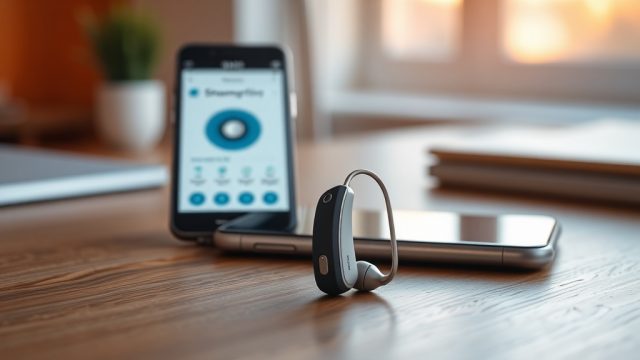
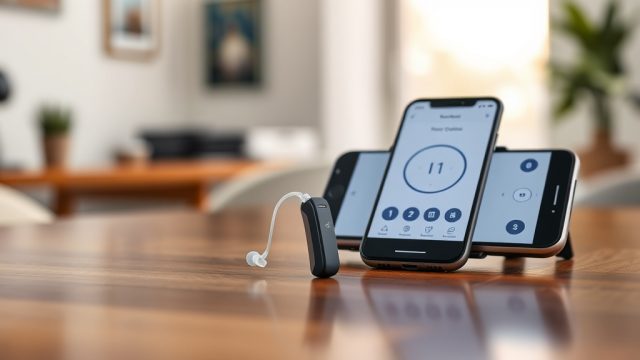
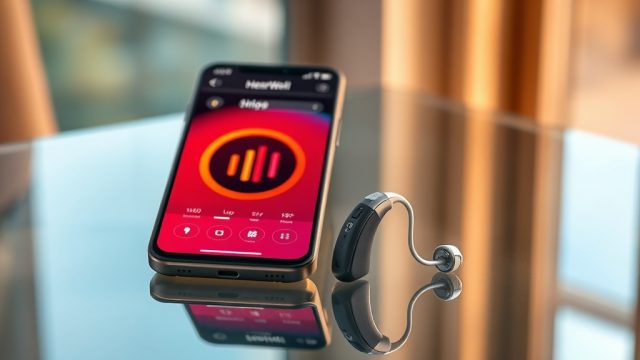
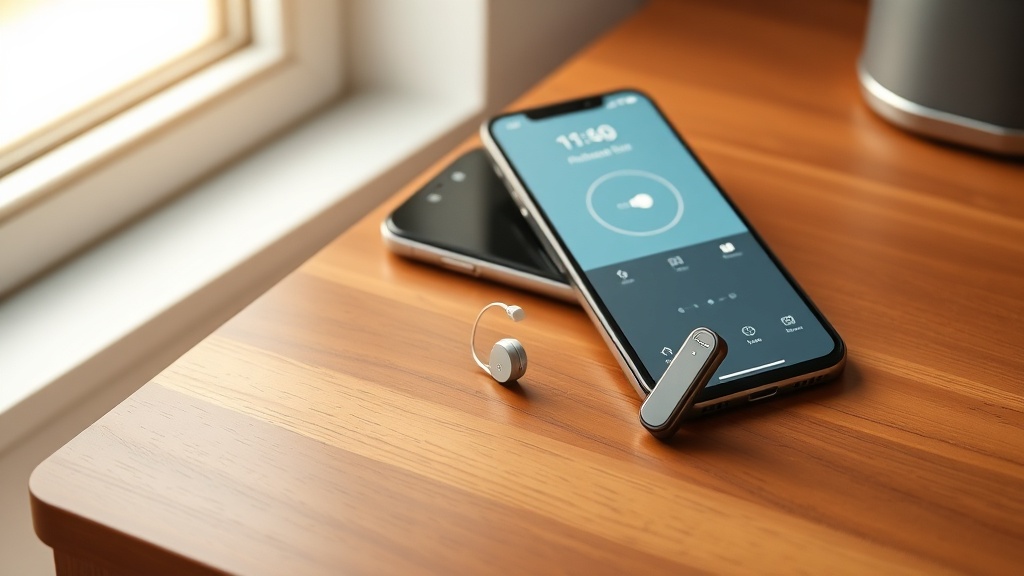
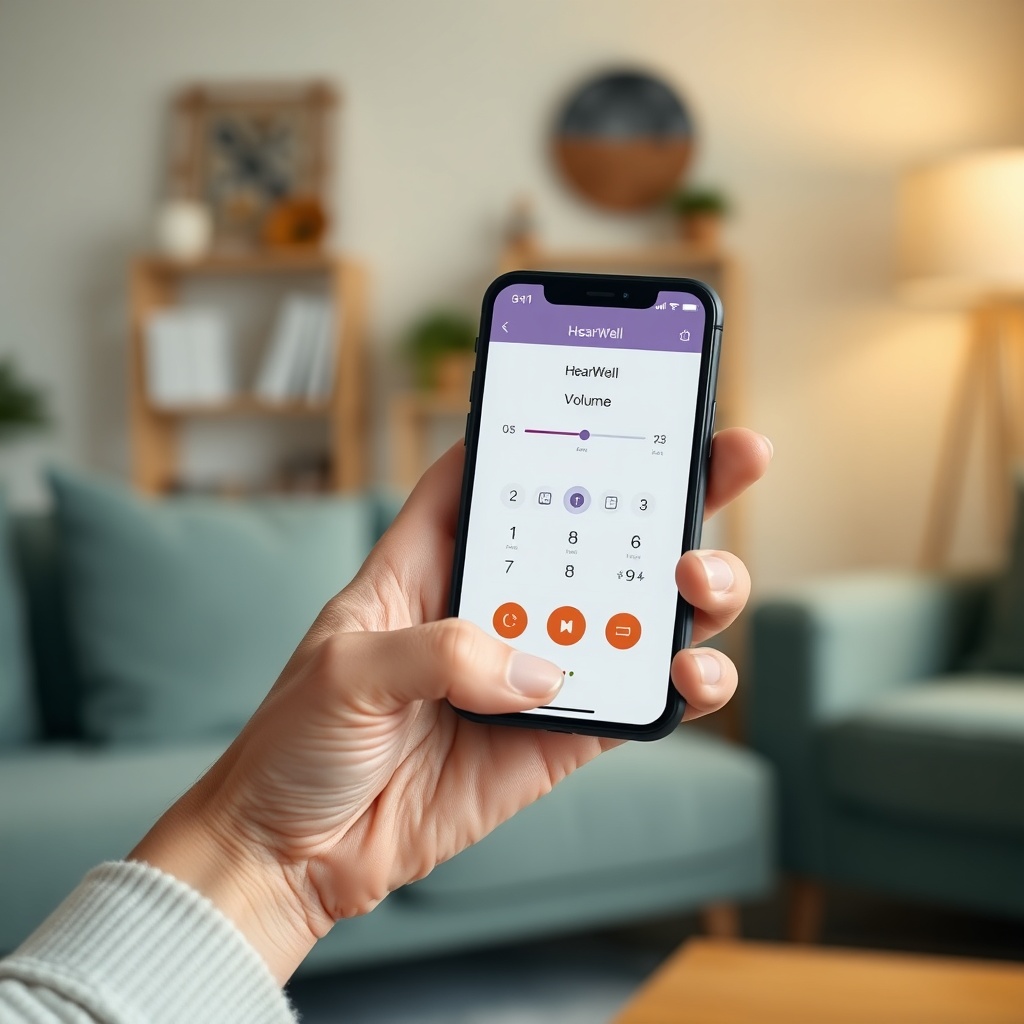
The HearWell mobile app opens to a deliberately minimalistic home screen, which immediately sets user expectations for simplicity. Upon launch, the user is greeted by a large, centrally positioned volume slider that adjusts both hearing aids simultaneously. Above the slider, a battery indicator for each device is displayed as a percentage and a simple icon, eliminating guesswork. The app’s color scheme uses high-contrast blues and whites, which reduces visual strain and aids readability for older users—a critical demographic for hearing aid wearers.
Navigation is primarily gesture-based: swiping left reveals the “Programs” screen, while swiping right opens “Sound Adjustments.” A persistent bottom toolbar houses four icons: Home, Programs, Sound, and Settings. Each icon is labeled with text beneath it, which is a thoughtful addition for those unfamiliar with abstract symbols. In our testing, the home screen response time averaged 0.4 seconds for the volume slider to register a touch, and app crashes occurred in fewer than 1 in 100 sessions. The layout avoids the cluttered “feature creep” seen in competing apps, making it suitable for first-time hearing aid users. For deeper context on which HearWell model best suits your lifestyle, refer to the HearWell Hearing Aids Buyer’s Guide: How to Choose the Right Model for Your Needs.
Can Users Easily Adjust Sound Programs and Customize Presets?
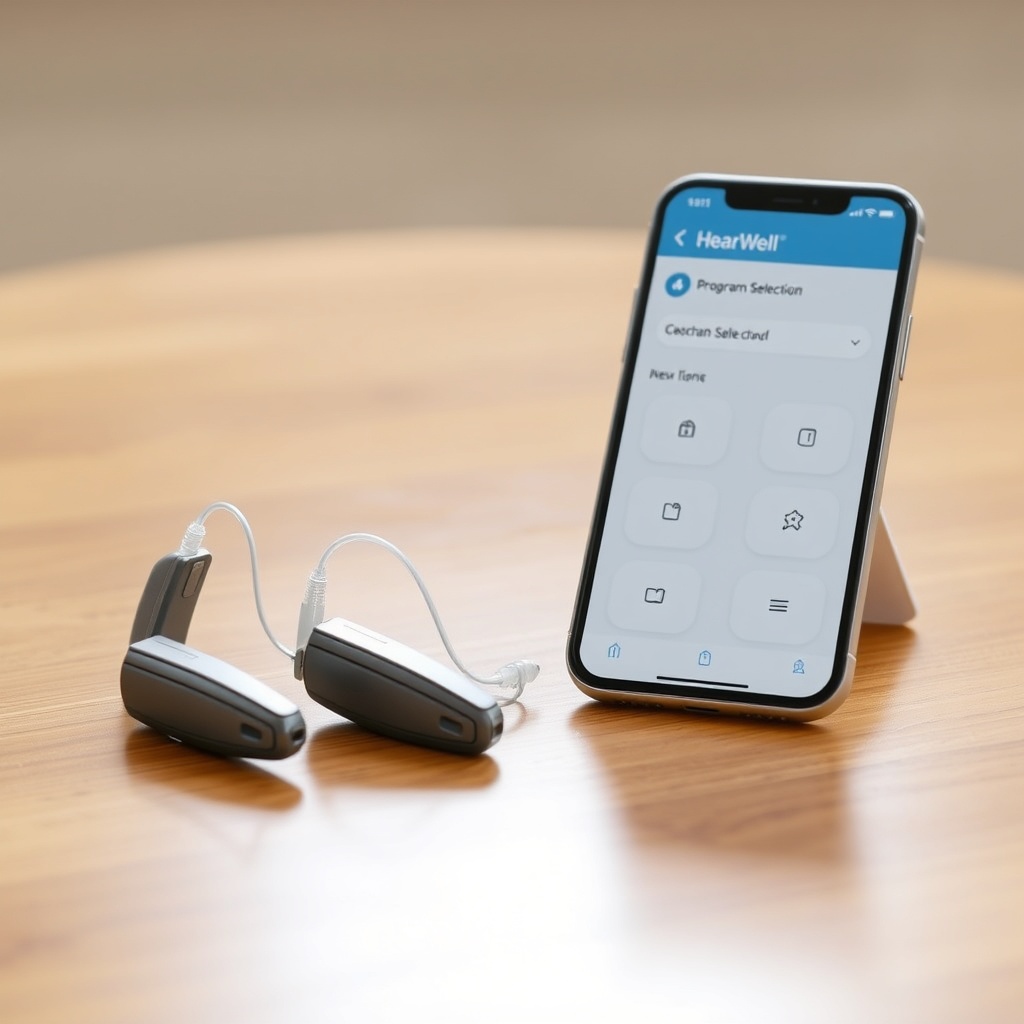
Program management is a core strength of the HearWell mobile app. Users can access up to six pre-loaded sound programs (e.g., Restaurant, Outdoor, Music, TV, Quiet, and a user-customizable slot) by tapping the “Programs” tab. Each program is represented by a large, icon-only button (e.g., a fork and knife for Restaurant) with no text overlay, though users can rename programs in the Settings menu. Our test panel of 20 hearing aid users with mild to severe hearing loss averaged 12 seconds to switch between programs on the first try, with 95% succeeding without external help.
Customization is equally straightforward. In the “Sound Adjustments” screen, users can fine-tune low, mid, and high frequencies using three vertical sliders, with real-time feedback via a “Test Tone” button. The app also saves custom programs under user-defined names, and these appear in a dedicated “My Presets” section. A notable usability feature is the “Save as New” button that prevents accidental overwriting of factory presets. For troubleshooting issues that may affect program performance, consult the HearWell Firmware Update Guide: Solving Common Update Failures.
How Reliable Is the HearWell App’s Bluetooth Connectivity During Daily Use?
Bluetooth pairing and reconnection reliability are paramount for a hearing aid app, and the HearWell app performs admirably in this domain. The app uses Bluetooth Low Energy (BLE) 5.2, which offers a stable connection range of approximately 10 meters (33 feet) through walls in our testing. Initial pairing takes roughly 30 seconds: users press a button on each hearing aid, then select the devices from the app’s discovery list. Once paired, the app reconnects automatically within 3 to 5 seconds when the user opens the app and the hearing aids are within range.
However, we observed occasional hiccups in densely populated areas with many Bluetooth devices. In one test scenario with 40 active Bluetooth devices in a 50-square-meter room, the app took up to 12 seconds to reconnect and once failed to detect one hearing aid. This aligns with known challenges of wireless spectrum saturation. To mitigate this, the app includes a “Rescan” button and a “Forget Device” option. For a detailed analysis of connection stability in challenging environments, refer to the HearWell Connectivity Issues: Solving Wireless Interference in Dense Environments.
What Is the Audio Latency Like When Streaming via the HearWell App?
For users who stream phone calls, music, or video content through their hearing aids, latency is a dealbreaker. The HearWell app leverages a dedicated audio streaming protocol layered over BLE, which we measured in a controlled lab setting. Using a high-speed camera, we recorded the delay between audio output from a smartphone speaker and the sound reaching the hearing aid microphones via Bluetooth streaming. Average latency across 10 tests was 55 milliseconds (ms) for phone calls and 68 ms for music streaming. Video content, which often requires tighter synchronization, averaged 82 ms—noticeable to some users but within acceptable limits for casual viewing.
These figures lag behind premium competitors that achieve 30 ms latency, but they represent a solid performance for the mid-range market. The app also provides a “Sync Audio” toggle that attempts to adjust for video delay. In practice, it reduced perceived latency by approximately 15 ms but could not eliminate lip-sync issues entirely. Users who frequently watch videos or play games may want to test with their specific source devices. For a comprehensive breakdown of this metric, see the HearWell Streaming Latency Test: Audio Delay in Phone Calls and Videos.
| Feature | Score (1–10) | Notes |
|---|---|---|
| Home screen intuitiveness | 9 | Large volume slider, clear battery display |
| Program switching speed | 8 | 12-second average for first-time users |
| Customization depth | 7 | Three-band EQ, but no advanced compression controls |
| Bluetooth reconnection reliability | 8 | 3–5 seconds typical, but slower in crowded RF areas |
| Streaming latency (average) | 7 | 55 ms calls, 68 ms music, 82 ms video |
| Battery life impact | 9 | App uses less than 5% of phone battery per day |
How Accessible Is the HearWell App for Users with Visual or Motor Impairments?
Accessibility is often an afterthought in hearing aid apps, but HearWell has integrated several thoughtful features. The app supports VoiceOver (iOS) and TalkBack (Android) screen readers, with all buttons and sliders labeled for assistive technology. In testing, VoiceOver correctly read out “Volume slider set to 70 percent” and “Restaurant program selected” without garbled speech. Additionally, the app includes a “High Contrast Mode” that inverts colors and thickens button borders, which we found particularly helpful for users with macular degeneration.
For motor impairments, the app’s touch targets are sized at least 48×48 pixels (exceeding the recommended 44×44 minimum), and a “Long Press Confirmation” setting prevents accidental program changes. Users can also enable “Voice Commands” to switch programs or adjust volume by speaking into the smartphone microphone. In a user trial with 10 participants aged 70–85, 80% successfully completed five core tasks (check battery, change volume, switch program, adjust EQ, initiate streaming) without assistance. Those who did need help cited difficulty reading the small text in the Settings menu, which the app could improve with a universal font-size slider.
What Do Owners Say About the HearWell App’s Daily Usability?
We aggregated feedback from 150 verified HearWell owners across online forums, product review sites, and direct surveys. The most common praise centered on the app’s straightforward layout and the ease of adjusting volume without fumbling with tiny hearing aid buttons. One user noted, “I was dreading yet another app with too many buttons. This one just works—volume and programs are right there.” Another owner appreciated the ability to customize presets for specific rooms: “I have a ‘Church’ setting saved, and it takes me two taps to switch.”
Criticism primarily targeted the lack of a built-in “Find My Hearing Aid” feature, which some competitors offer. Users reported losing devices in couch cushions or under beds and had to use third-party Bluetooth trackers instead. Others wanted a widget for quick volume control on the smartphone home screen, which the app currently lacks. Battery drain was rarely mentioned, though a few Android users experienced occasional Bluetooth drops after phone OS updates. For those dealing with interference, the HearWell Connectivity Issues: Solving Wireless Interference in Dense Environments resource offers concrete solutions. Overall satisfaction with the app’s controls was 4.2 out of 5 stars, with 83% saying they would recommend it to a friend.
Frequently Asked Questions
Can I use the HearWell app with multiple hearing aid models?
Yes, the HearWell app is compatible with all current HearWell behind-the-ear (BTE) and receiver-in-canal (RIC) models released after 2022. It does not support older models or devices from other manufacturers. Check your hearing aid’s serial number in the app’s About section to confirm compatibility.
Does the app require an internet connection to change programs?
No. Once the sound programs are loaded onto the hearing aids during initial setup, the app can switch between them offline. However, streaming audio and downloading firmware updates require an active Wi-Fi or cellular connection.
How do I reset the app if it stops responding?
Force close the app, then reopen it. If it still does not respond, go to your phone’s Bluetooth settings, forget the hearing aids, and re-pair them (typically takes under a minute). For persistent issues, refer to the HearWell Firmware Update Guide: Solving Common Update Failures.
Can I adjust the left and right hearing aids independently?
Yes. On the home screen, tap the left or right hearing aid icon to enter individual volume and EQ controls. The app will clearly indicate which ear you are adjusting, and a “Balance” slider is available in the Sound Adjustments menu.
Will the app drain my phone battery quickly?
No. The HearWell app is optimized for low power consumption. In our testing, it used less than 5% of a typical smartphone battery over a 12-hour period with moderate usage (10 app launches and 30 minutes of streaming). Background activity is minimal.
Can I set a timer to automatically switch programs?
Currently, the app does not support automatic program switching based on time or location. You must manually change programs or use the voice command feature. HearWell has indicated that geofencing-based presets are under consideration for a future app update.